When you click on links to various merchants on this site and make a purchase, this can result in this site earning a commission. Affiliate programs and affiliations include, but are not limited to, the eBay Partner Network.
On the forum main page with all the different sections. I think it also is the same in any of the separate sections as well.
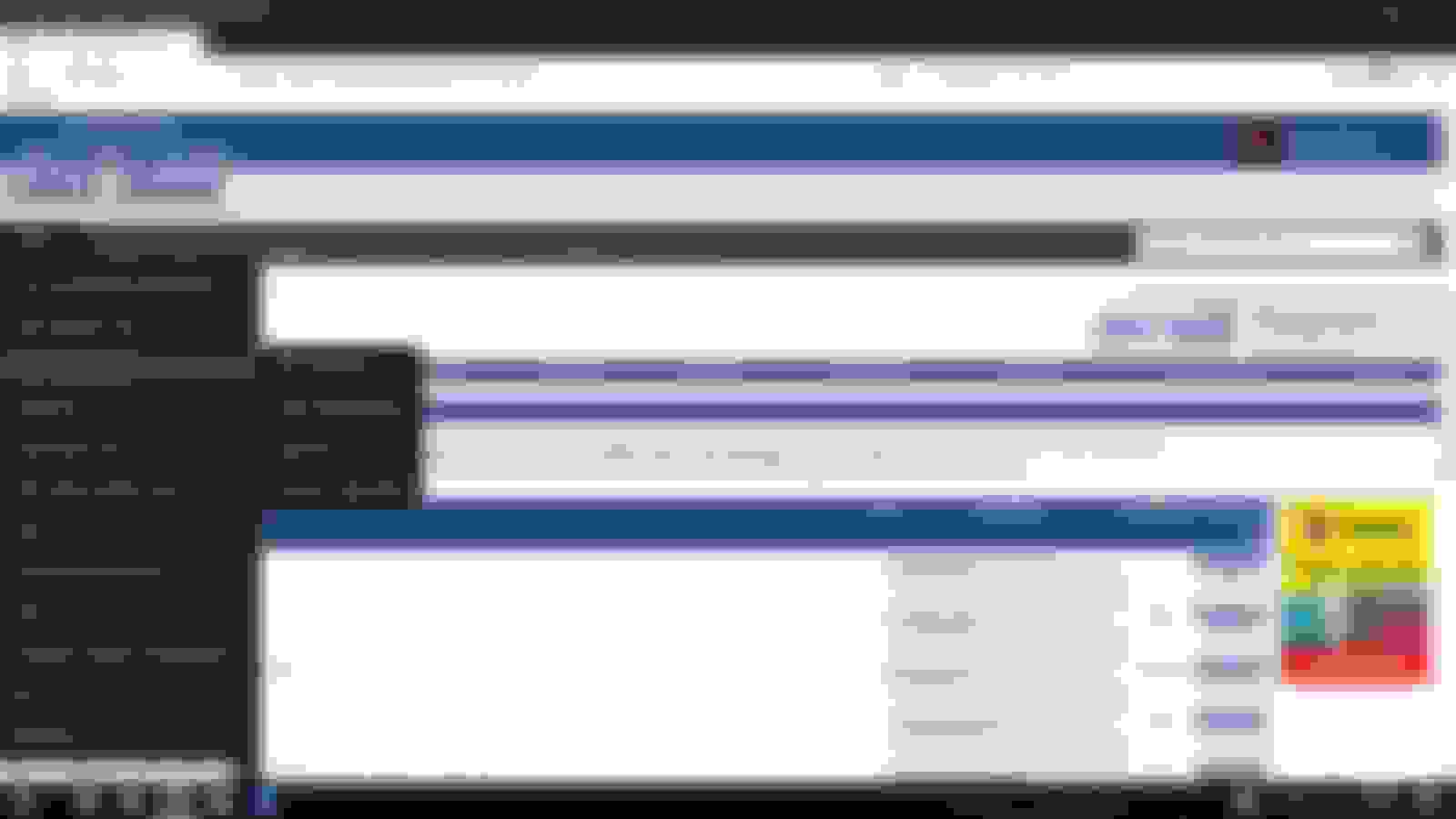
Like this page, notice the black drop down menu over the second blue drop down menu.
I open fte, try to go down with mouse to "User CP" and the black drop down menu always pops open covering the second blue drop down menu. Then I try to move the mouse around or to the right to get off the black menu and it just keeps opening up sub menus. Like in this pic:
before on my phone, the text in a post would wrap in a way so i could see it all, maybe the font was just bigger. now i have to zoon in and swipe back and forth to read everything. i'll switch over to the phone and take a screenshot shortly
before on my phone, the text in a post would wrap in a way so i could see it all, maybe the font was just bigger. now i have to zoon in and swipe back and forth to read everything. i'll switch over to the phone and take a screenshot shortly
Oh and the pic button doesn't work now either lol, have to do attachments
if i had any pictures on my desktop lol! its funny cause 1 year ago i didn't have a smart phone, didn't care about anything related to them, and i wouldn't have had these 'problems' ... first world problems right? lol!. nowdays? shoot, that stupid phone dictates way more in my life than i want! RANT TIME! now everyone can get ahold of me from any of their devices for any reason through any method at any time ... boooo!!!! i miss my razr flip phone!
Hey @Turd-250 I recommend using the mobile template if you're on a smartphone device. All of the functionality of the desktop is now available--including the photo uploader.
It's difficult using the photouploader while trying to view the desktop theme on a mobile device because the screen is so small--so you have to futz around to make the popup show up in the window.
I just replied to a thread and quoted someones post, shortly afterward I wanted to go back and add something to my post. When I hit the "Edit" button the original post that I had quoted showed but not my original reply that I was looking to edit. ?
and this thread reply has a completely different window look than the reply I just made over in the EX forum.....?
Hey @Turd-250 I recommend using the mobile template if you're on a smartphone device. All of the functionality of the desktop is now available--including the photo uploader.
It's difficult using the photouploader while trying to view the desktop theme on a mobile device because the screen is so small--so you have to futz around to make the popup show up in the window.
ah man lol, i was hoping it would be an easy fix since it worked fine before.
edit: is this forum on tapatalk? that would be awesome! it didnt used to be i don't think.
what's killing me is the fact that my iphone now goes to the mobile site EVERY time.
Yes, all i have to do is click "request desktop site" but that's annoying.
It's difficult using the photouploader while trying to view the desktop theme on a mobile device because the screen is so small--so you have to futz around to make the popup show up in the window.
Rezvani's Latest Post-Apocalyptic Monster Is a Ford F-150 Raptor Underneath
Slideshow: Called the Fortress, the 850-horsepower pickup combines Raptor underpinnings with military-inspired features, survival equipment, and a starting price of $285,000.