When you click on links to various merchants on this site and make a purchase, this can result in this site earning a commission. Affiliate programs and affiliations include, but are not limited to, the eBay Partner Network.
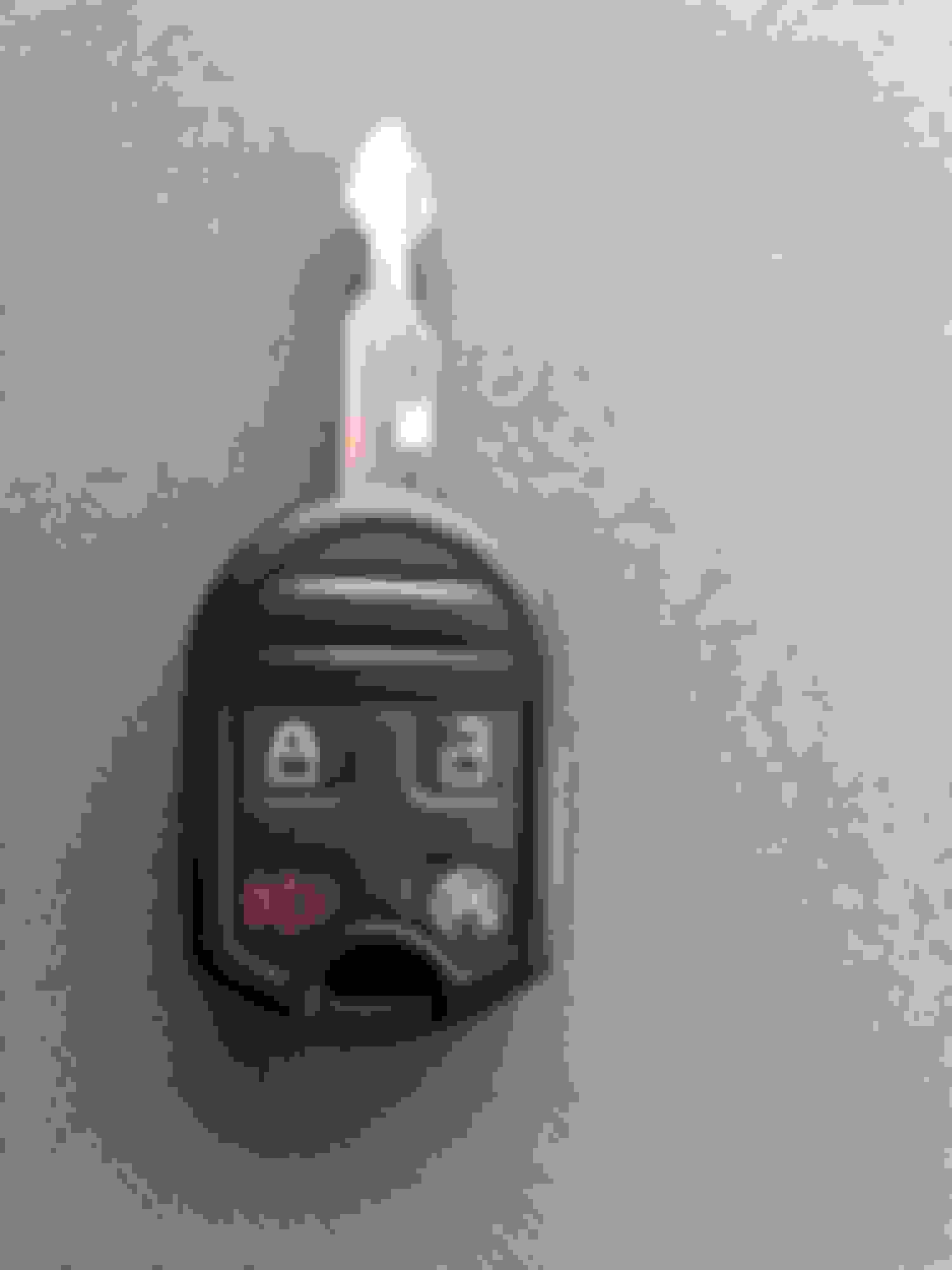
I'm trying to help a friend with a 2002 Ford F-150 program a second PATS key. I have AutoEnginuity with the Ford bundle. I know it's supposed to work but I'm not getting anywhere. I did do a lot of searching on PATS but I didn't really find anything that helped me.
I put the new key in the ignition, turned it on and connected with AE. I had it read the VIN number from the truck and it indicated it was a 2002 F-150. I selected Enhanced Powertrain, then went to system tests and found PATS key programming. The first attachment below is the menu I got.
Thanks,
I have a chrt from the motorcraft service site so I will attach it. There is three different keys. you bought the key for the F150 heritage. Anyway I will attach the chart.
OK I worked thru it and I was successful at Deleting all keys and programming new ones. This is what worked for me, I have done it several times to verify my instructions here are correct. I wrote down step by step what I did the then I did it again and again as not to foward inaccurate info and waste peoples time.
1. Plug in all cables and adapters
2. insert a valid programmed key into the IGN and turn to run position.
3. start AE software and connect to vehicle if not set to automatically do so.
4. at the vehicle selection menu change "Enhanced Powertrain" to " Passive Anti-Theft"
5. click ok
6. click "Current" to view codes, Verify there are not any PATS codes displayed.
IF the system shows ANY PATS code, Click clear and click the blue refresh button at top.
and then click current again to check code is cleared
7. Click " Onboard Systems " Tab
8. Change " Self test " to " PATS key programming"
* Steps 9-11 must be done rapidly, If not an error message will be displayed, Start at 9 again *
9. Click " Initate "
10. Use arrow buttons ( not arrow keys ) to select your option.
Erase and Program keys - DO NOT use this unless you have 2 PATS keys cut for your
Vehicle, It will delete all keys from memory and you will need 2 keys to start it again
On Screen instructions will guide you thru this process after the timer cycle is complete.
Disable Key Programming - Disables the option to add keys by cycling 2 valid keys.
Enable Key Programming - Enables the option to add keys by cycling 2 valid keys.
Program Spare Key - Programs addition key without having 2 valid keys.
11. Turn IGN OFF and click " DONE "
12. The 10 min timer will begin
If programming a Spare key, Insert key into IGN - do NOT turn.
13. The results or instructions for the option you chose ( step 10 ) will be displayed.
If you chose " Program spare key " an error message will be displayed " Key not programmed - System refusal or error" .
Turn on the IGN with the NEW Key
Click the Right arrow to select " Program Additional Key "
Click Done.
" Key has been Programmed " Will be displayed
Click " Exit "
" PATS security closed " will be displayed
Turn IGN to Off and remove Key
Wait 1 minute and Test all keys
If the vehicle starts and dies, Turn to RUN position for 1 min, Turn off and remove key, Wait 1 minute and re-test.
I'd been fighting with AE and PATS keys, this finally worked for me. THANK YOU!
Couple things: #1: I have an '02 Excursion diesel. To do engine stuff I have to select "powerstroke 7.3" as there's no diesel Excursion option. To get the PATS programming to work I had to select "Excursion Gas". Maybe there's a way through "powerstroke 7.3" but I couldn't figure it out.
#2: I did the erase and program, only had one working key and 2 new ones. I wanted 3 working ones so if I loose one key I can still do self-programming for another since I was borrowing the AE. At the end I didn't get the "key has been programmed" or "PATS security closed".
#3: Note; the following may have been my mistake because I didn't notice where you said to wait one minute before testing and followed the prompts on AE to "test all keys".
I started the testing with my old key and it had stopped working, I about shat myself thinking I'd have to get it towed or find a mobile locksmith that could come program it. But one of the new keys did work, not the other. So I decided to "program additional key" to hopefully get the other two to work. I got one done then it wouldn't let me do the other so I figured I'd have to do the whole process over again, but then I found that the third key did work so I guess they probably all got programmed but since I hadn't waited before testing they were giving me a false failure.
Considering this thread started in 2011 ... i dont think FORScan was around then. BUT, you are correct, FORScan is pretty simple to program keys. I used FORScan to program a second key to my F350, even enabled factory remote start, after adding the hardware.
Considering this thread started in 2011 ... i dont think FORScan was around then. BUT, you are correct, FORScan is pretty simple to program keys. I used FORScan to program a second key to my F350, even enabled factory remote start, after adding the hardware.
Since he posted that yesterday I figured I'd throw that out there.
Funny, I'm about to do the same w the remote start add on. I love how easy it is to add oem stuff with basic plug in and then program in the functionality.
This Hennessey Takes the Expedition Tremor's Off-Roading Capability to the Next Level
Slideshow: The VelociRaptor Expedition gains a lift, upgraded suspension, Brembo brakes, and trail-ready equipment while retaining the stock 440-horsepower EcoBoost V6.
Rezvani's Latest Post-Apocalyptic Monster Is a Ford F-150 Raptor Underneath
Slideshow: Called the Fortress, the 850-horsepower pickup combines Raptor underpinnings with military-inspired features, survival equipment, and a starting price of $285,000.