When you click on links to various merchants on this site and make a purchase, this can result in this site earning a commission. Affiliate programs and affiliations include, but are not limited to, the eBay Partner Network.
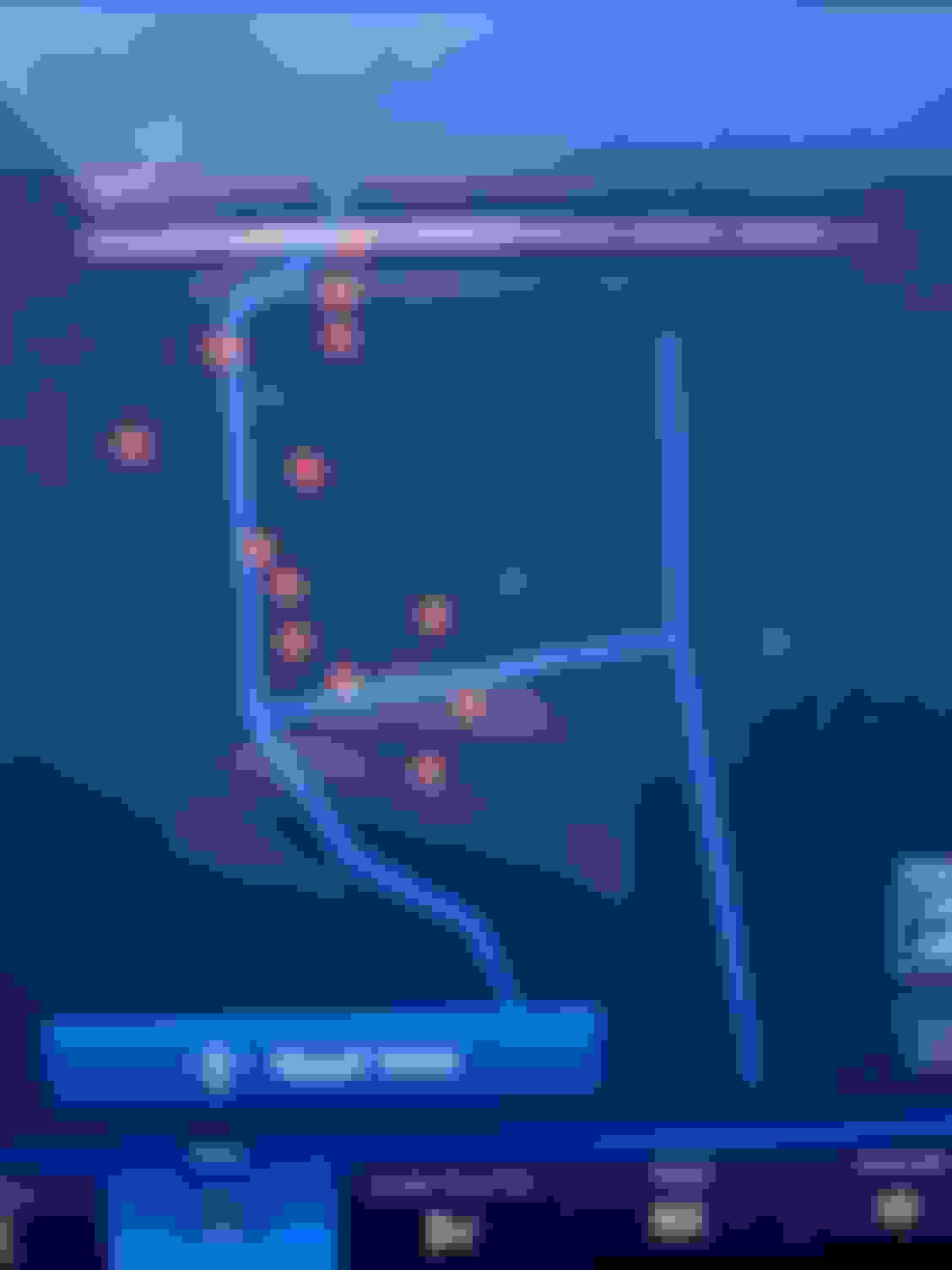
I have a 22 F250 and on my nav screen it shows a red dot at every place I've stopped. Every gas station, grocery store, hardware store, liquor store, work etc is showing a red dot for each time I have stopped there. I've searched the manual and the interenet and can't find the setting to clear this and turn it off. Does anyone know how to clear this?
I have a 22 F250 and on my nav screen it shows a red dot at every place I've stopped. Every gas station, grocery store, hardware store, liquor store, work etc is showing a red dot for each time I have stopped there. I've searched the manual and the interenet and can't find the setting to clear this and turn it off. Does anyone know how to clear this?
On the Navigation screen, hit the three dashes on the top left to take you to the menu. Hit More Settings. Hit Routing and Map Preferences. Turn Breadcrumbs off.
Edit: I have a 23, but assume you should have the option to turn it off in your Navigation settings.
I finally found that option but only after I paid for a year of the Connected Navigation. Before I did that, I couldn't select any of the options without a pop up telling me it wasn't available and to go to the Ford Pass app for more information. I couldn't even enter and address to navigate anywhere. All I could do was see the map. And the red dots.
Rezvani's Latest Post-Apocalyptic Monster Is a Ford F-150 Raptor Underneath
Slideshow: Called the Fortress, the 850-horsepower pickup combines Raptor underpinnings with military-inspired features, survival equipment, and a starting price of $285,000.