When you click on links to various merchants on this site and make a purchase, this can result in this site earning a commission. Affiliate programs and affiliations include, but are not limited to, the eBay Partner Network.
I installed car radios with Android Auto and Apple Carplay. I have an inexpensive Samsung phone. The radios were inexpensive head units sold on Amazon. 7" touch screen.
I have an Android phone. The problem was that sometimes the phone would connect with the radio. Sometimes it would not connect with the radio.
I turned to the internet. Apparently, even high priced phones, radios, and cars have similar connection issues.
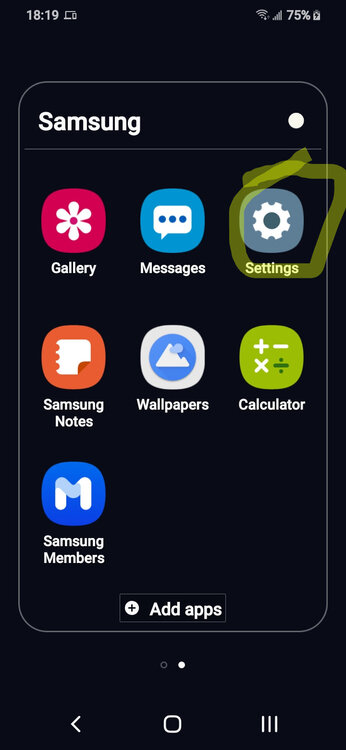
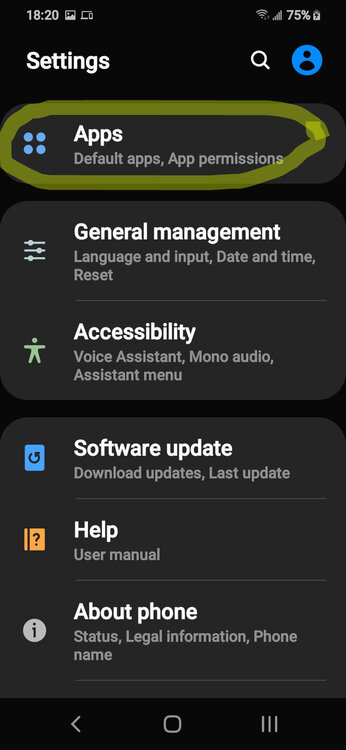
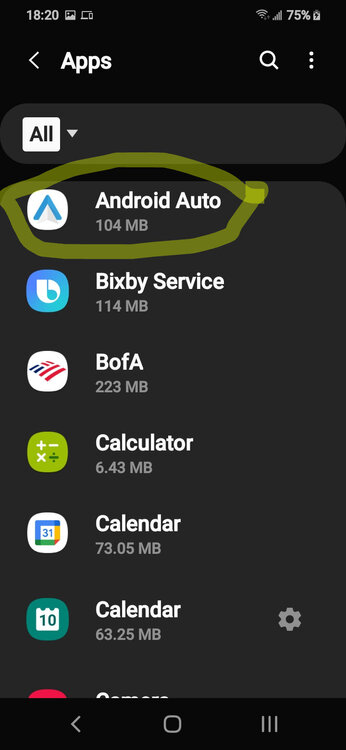
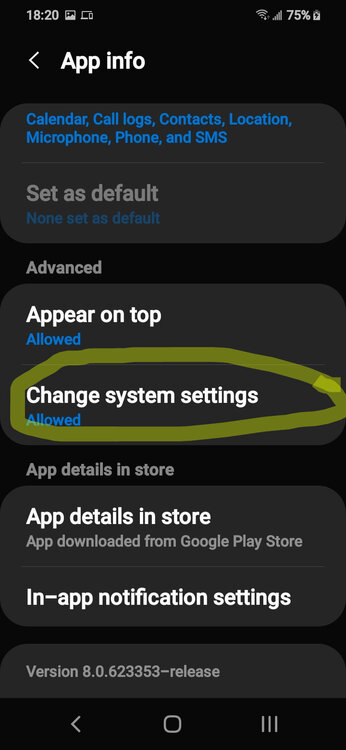
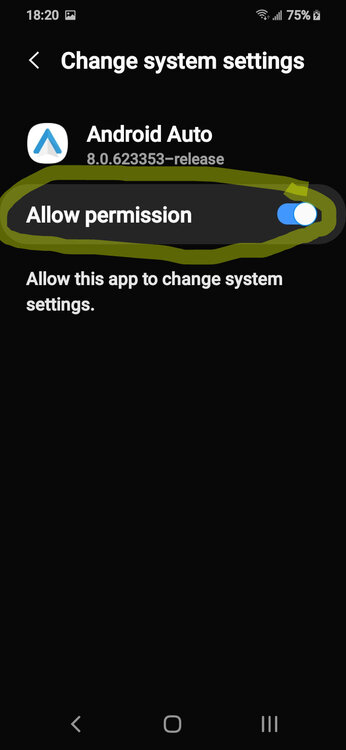
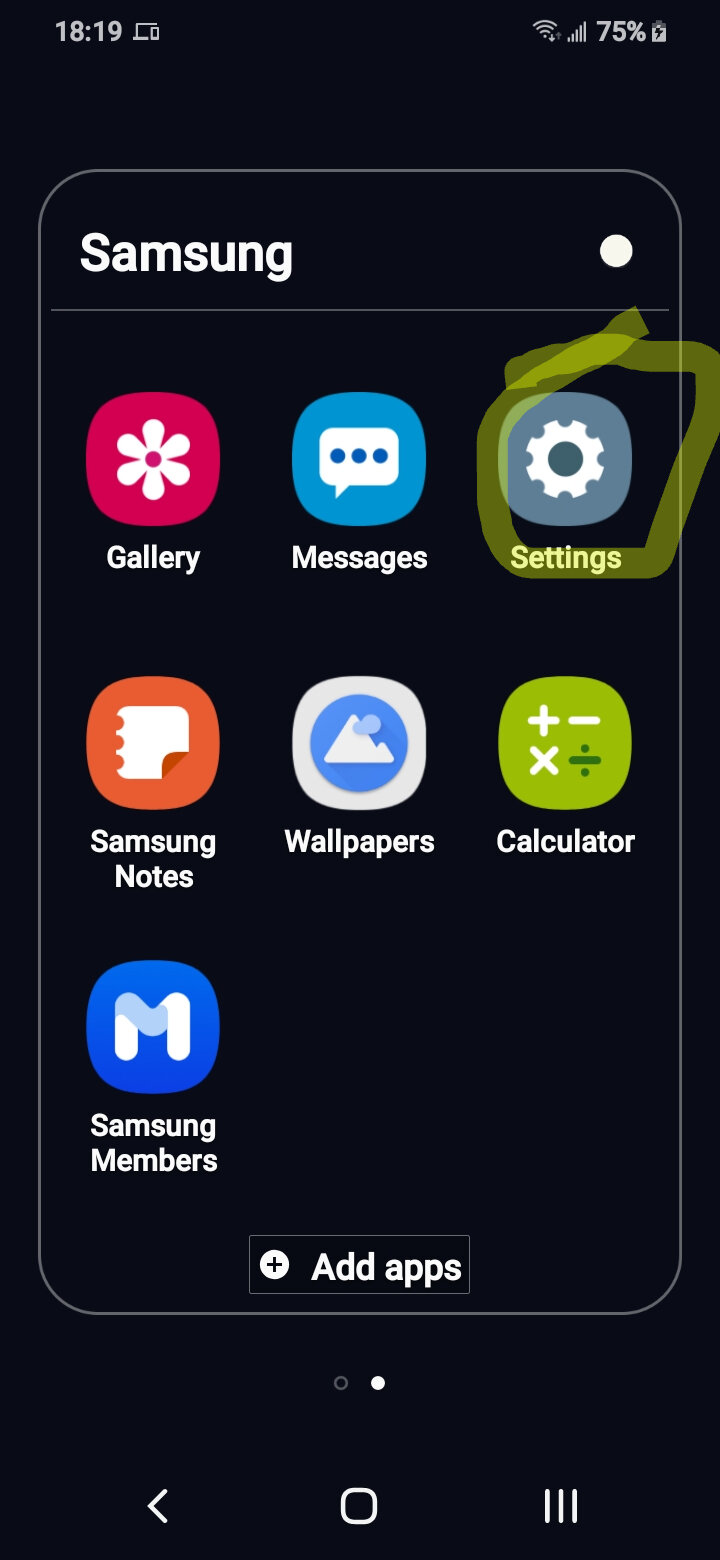
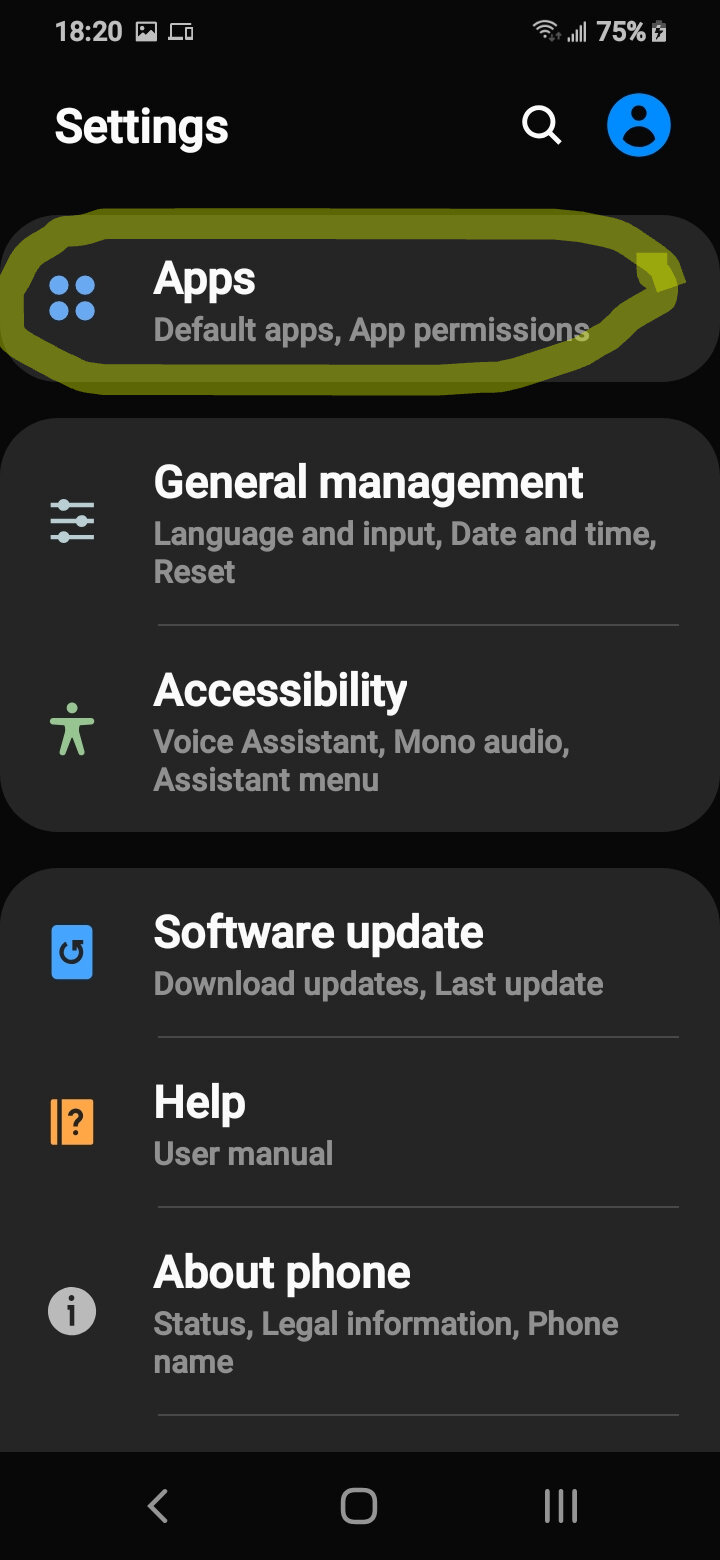
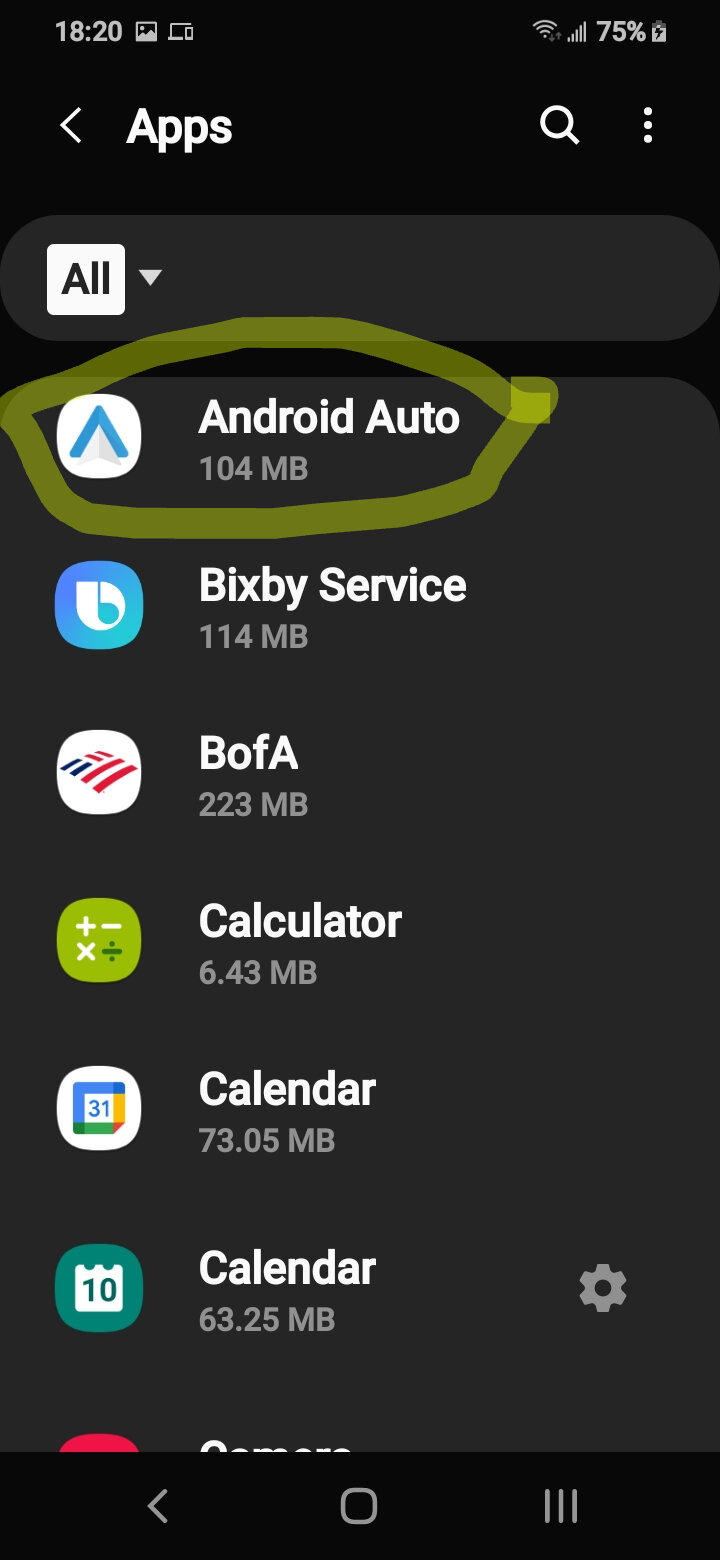
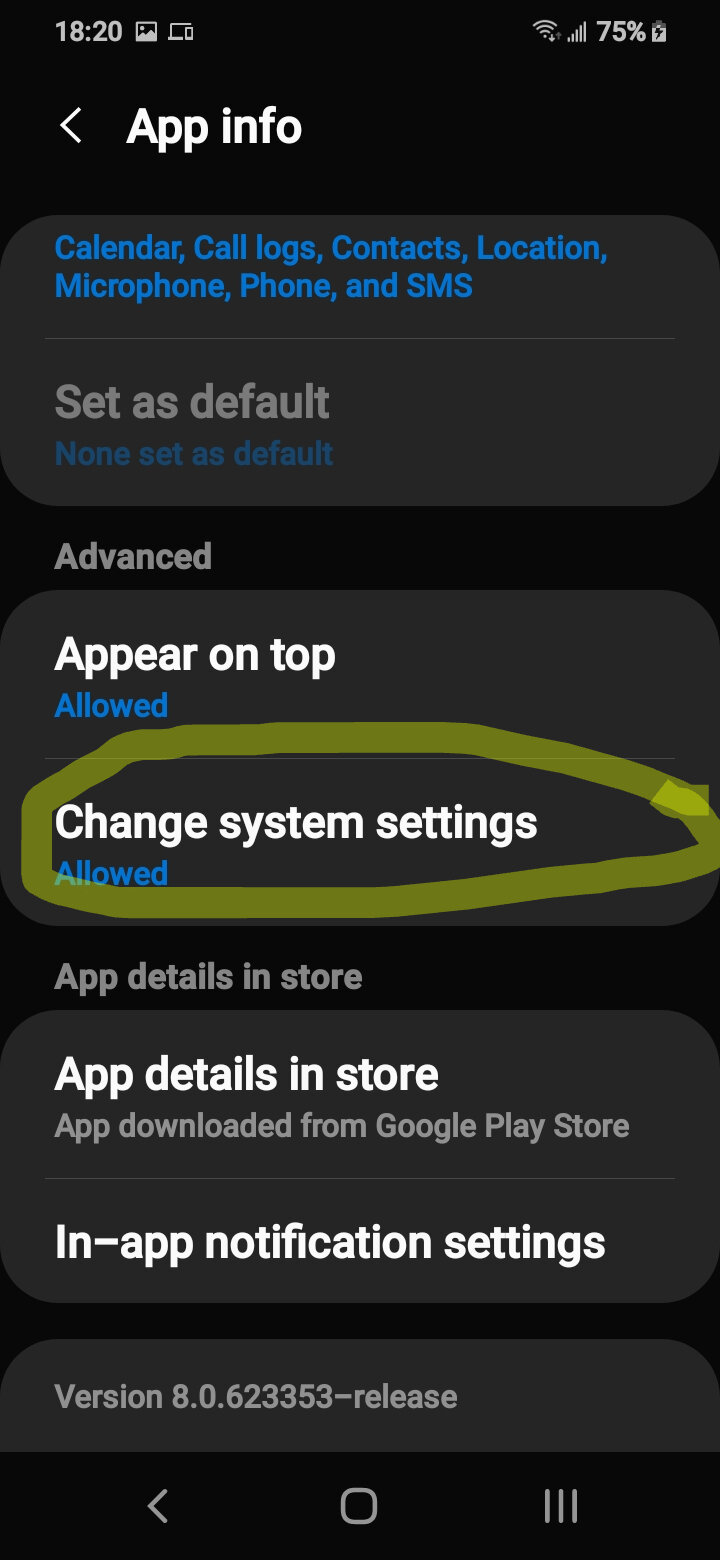
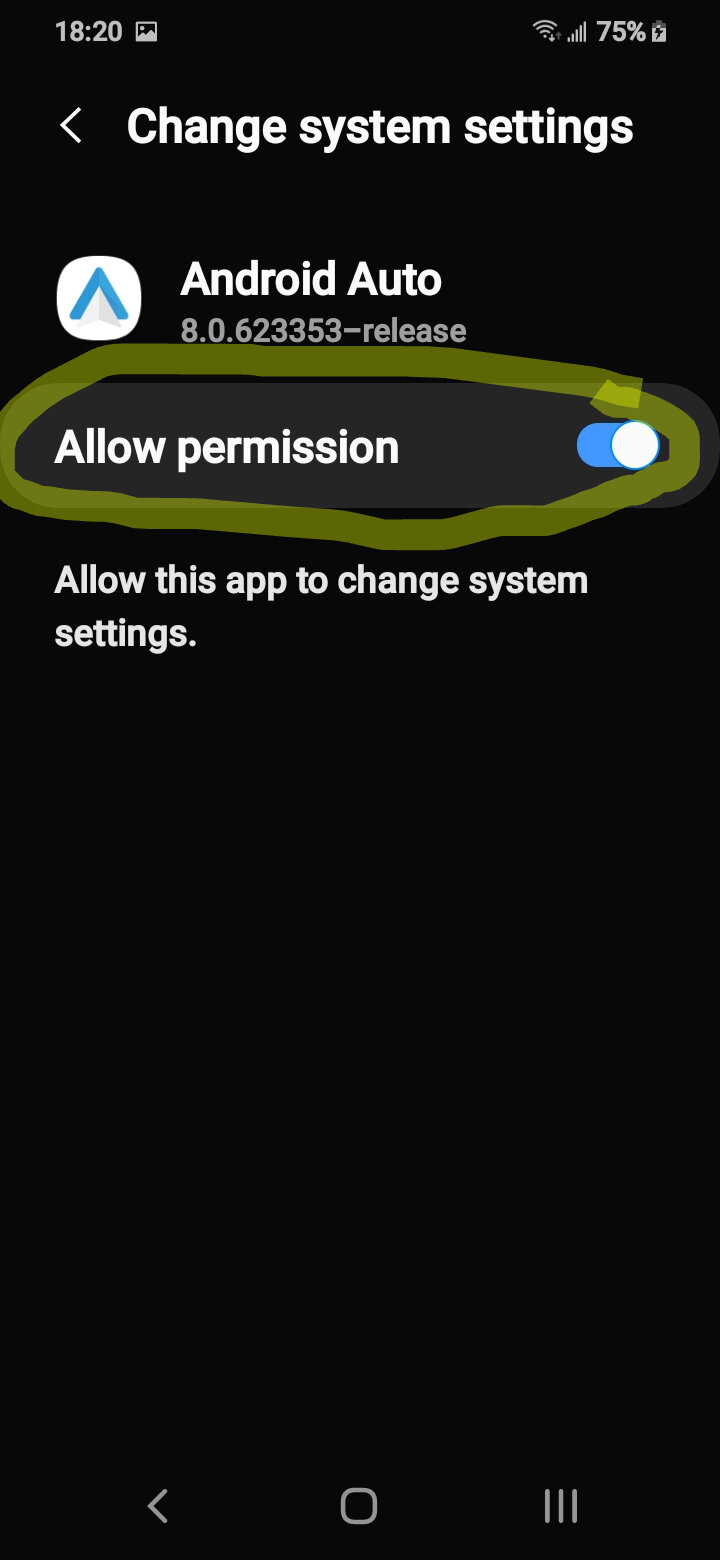
What worked for me was going in the phone's settings, then allowing permission for Android Auto to change system settings.
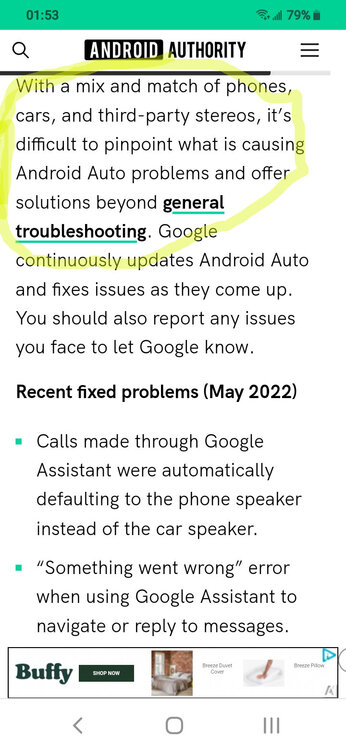
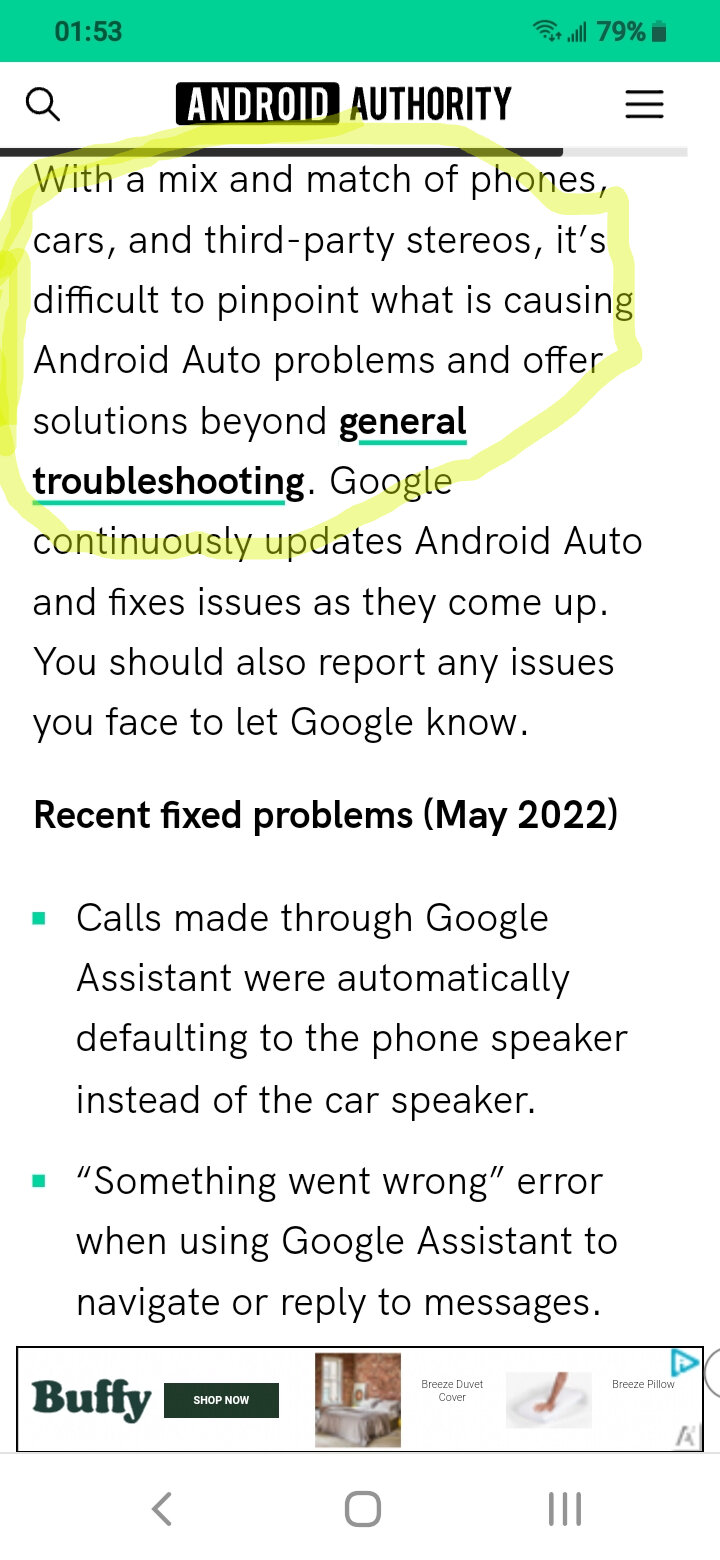
According to Android Authority, it's almost impossible to troubleshoot problems with Android Auto. Too many combinations of phones, cars, and radios. Too many variables.
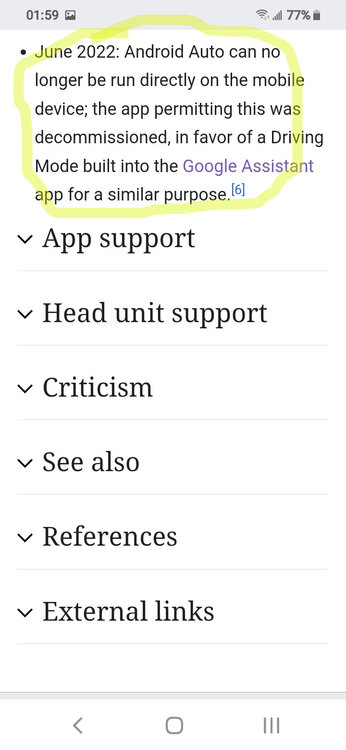
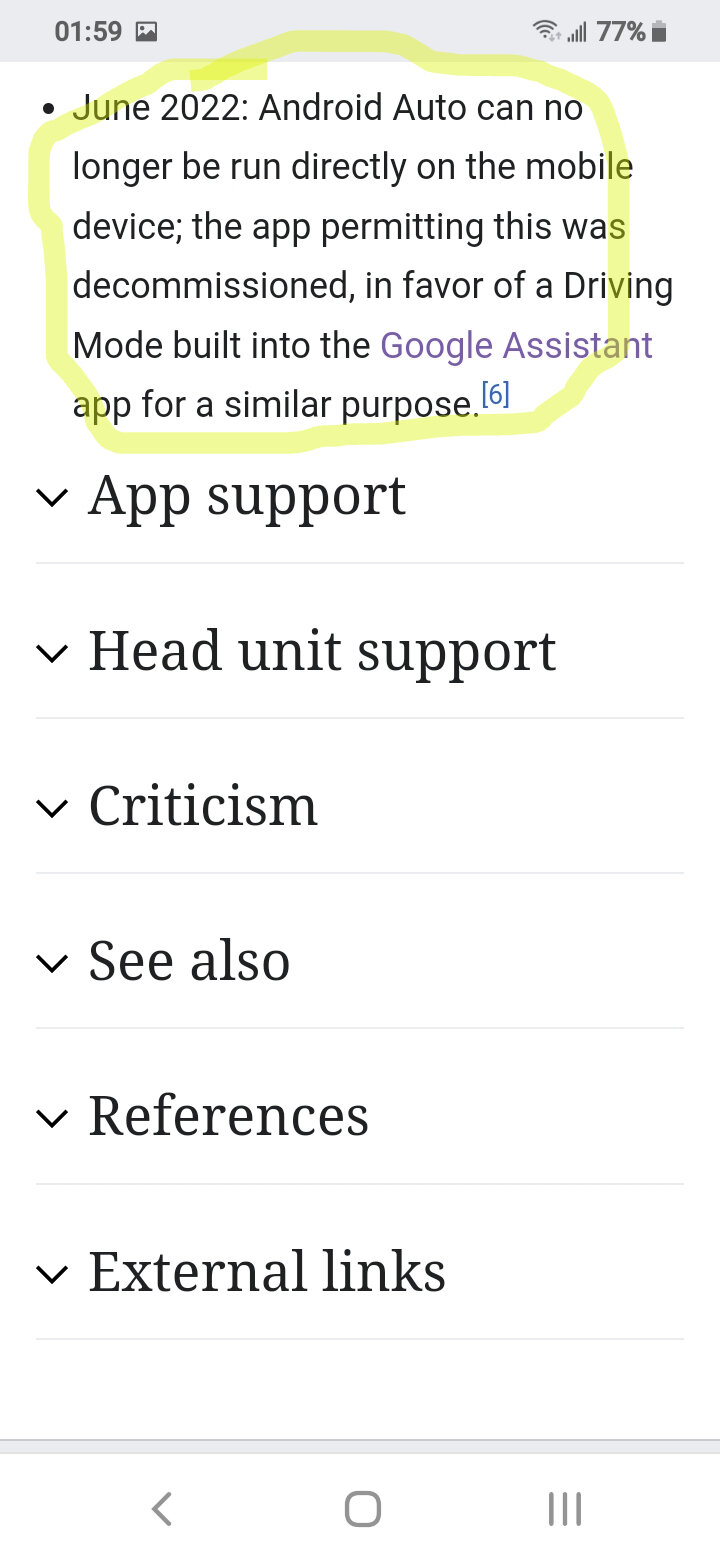
With so many auto manufacturers, car stereo manufacturers, and cell phone manufacturers invested into the technology, and the countless number of end users who are now trying to use the technology - Google quits. Now for anyone who has an Android, and wants to be able to use the technology.....good luck!
Here is what I have found.
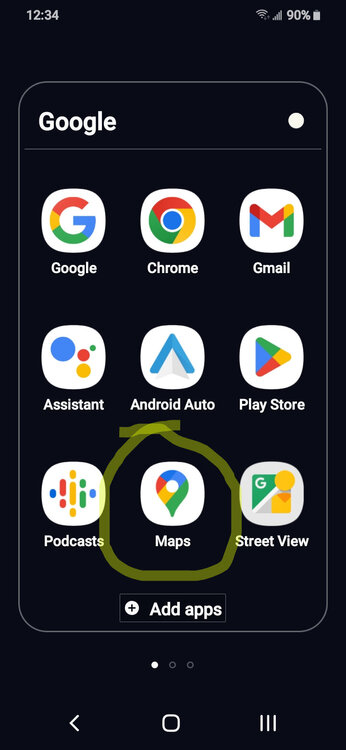
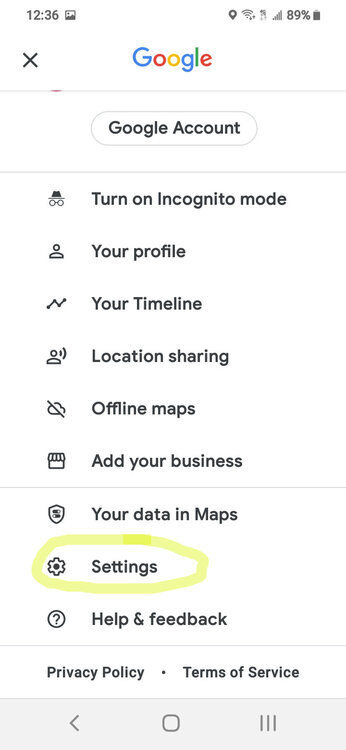
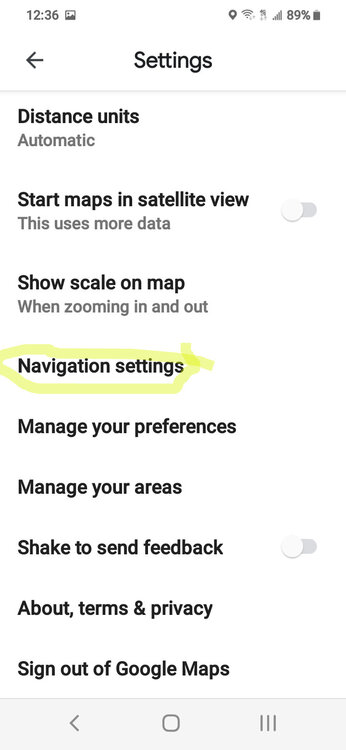
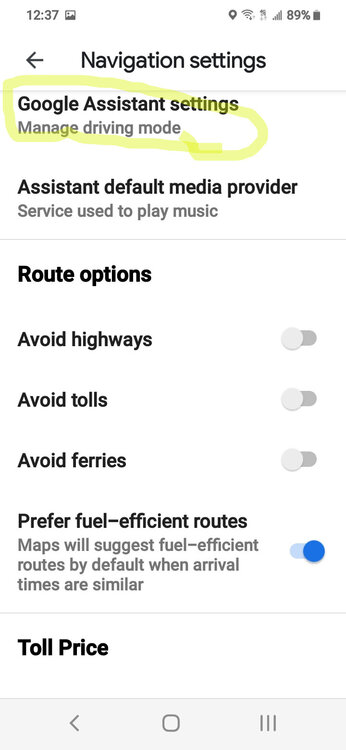
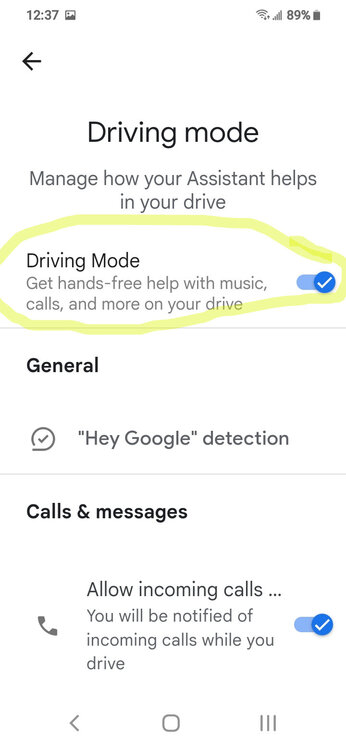
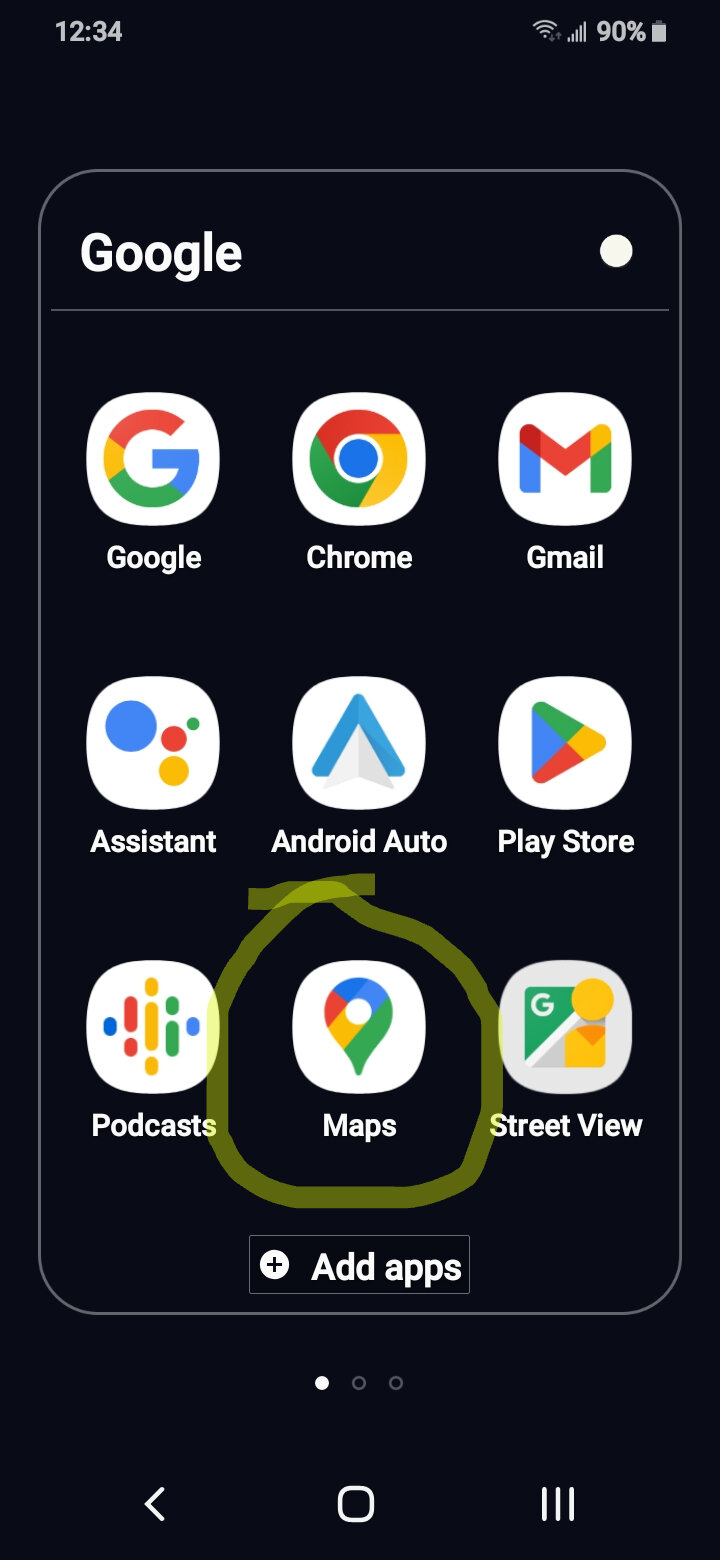
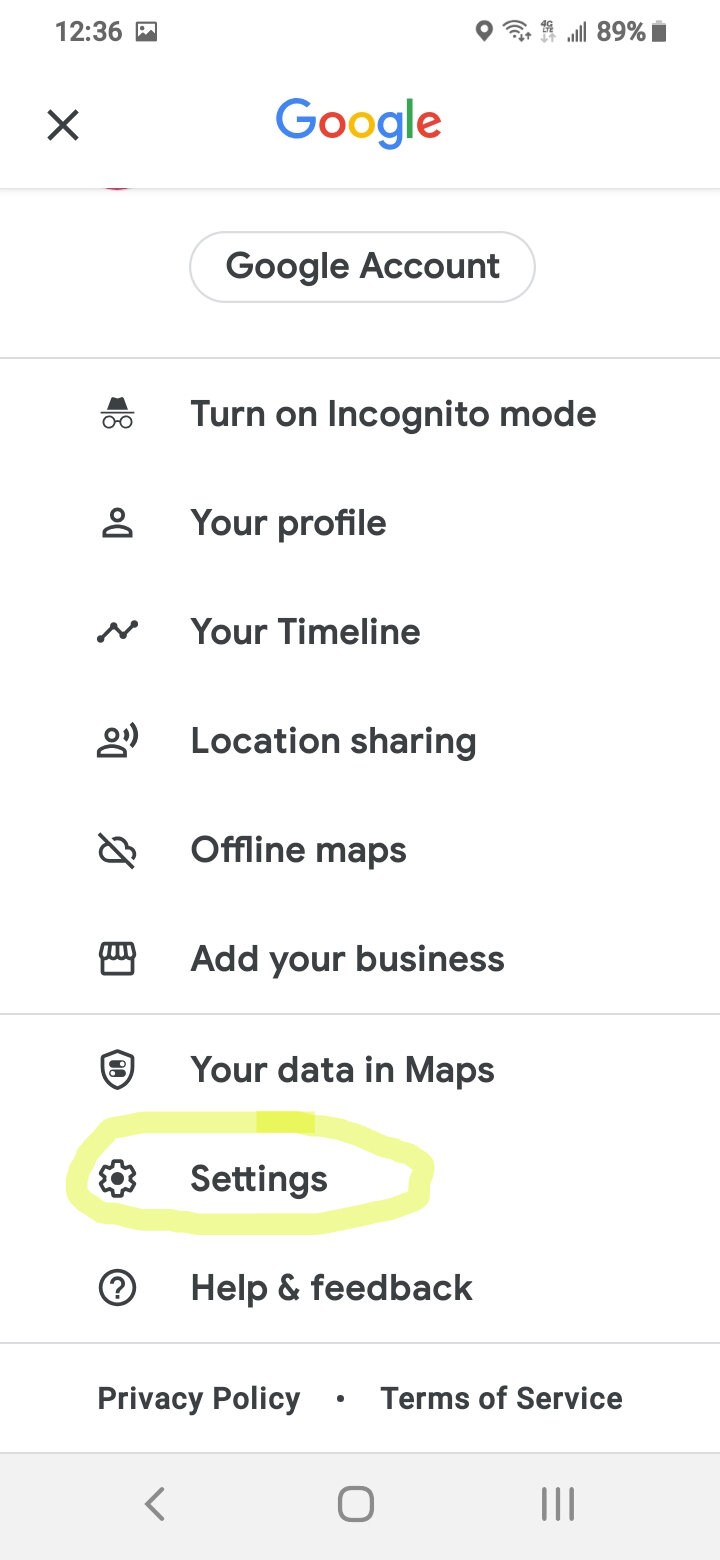
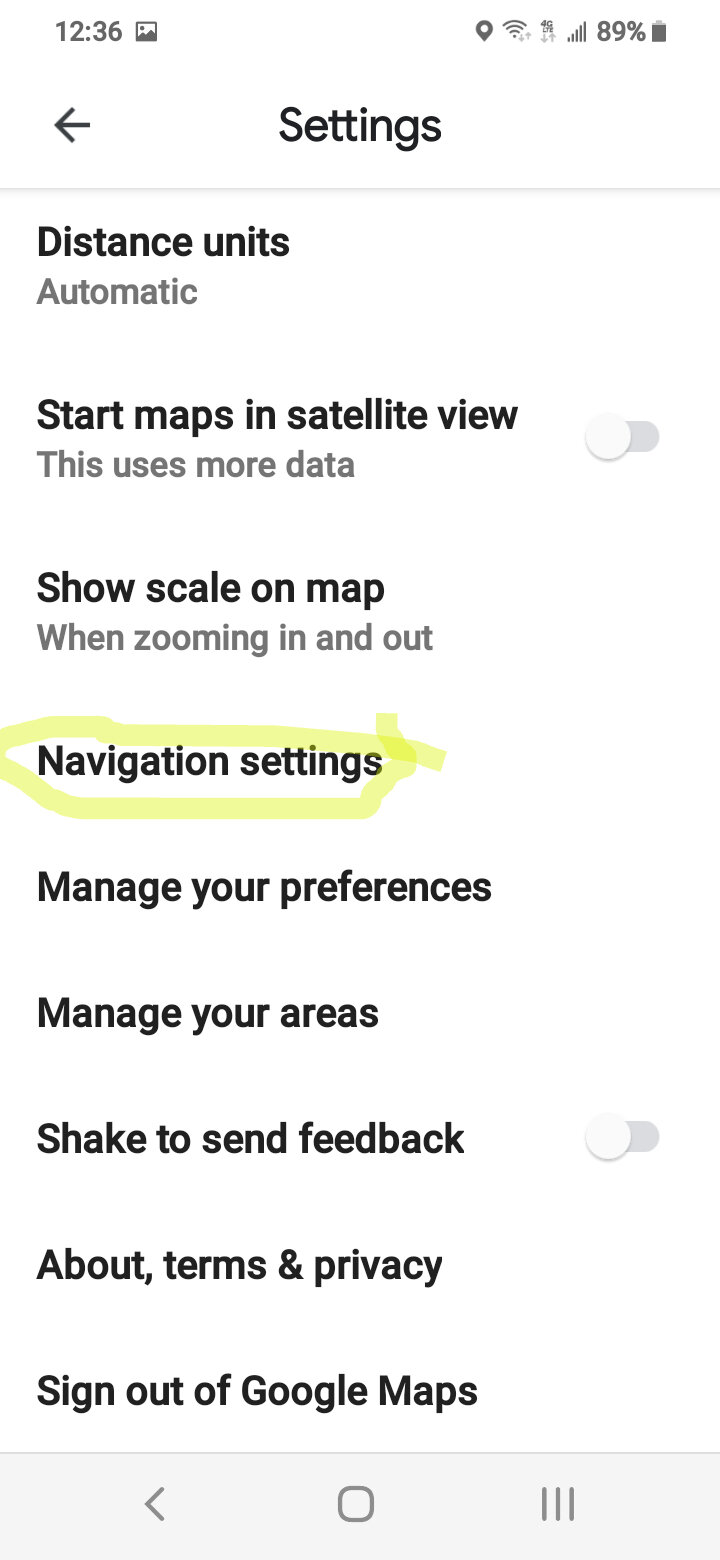
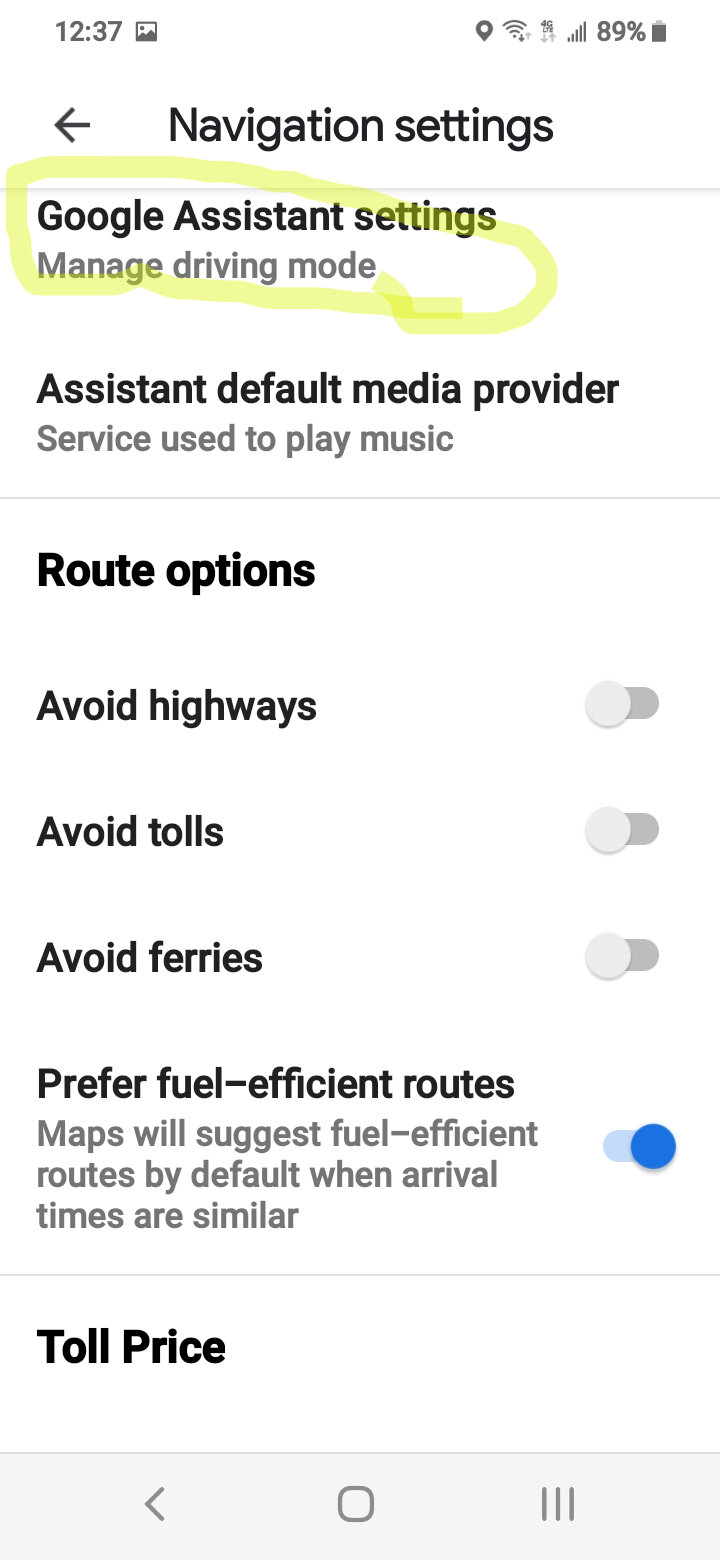
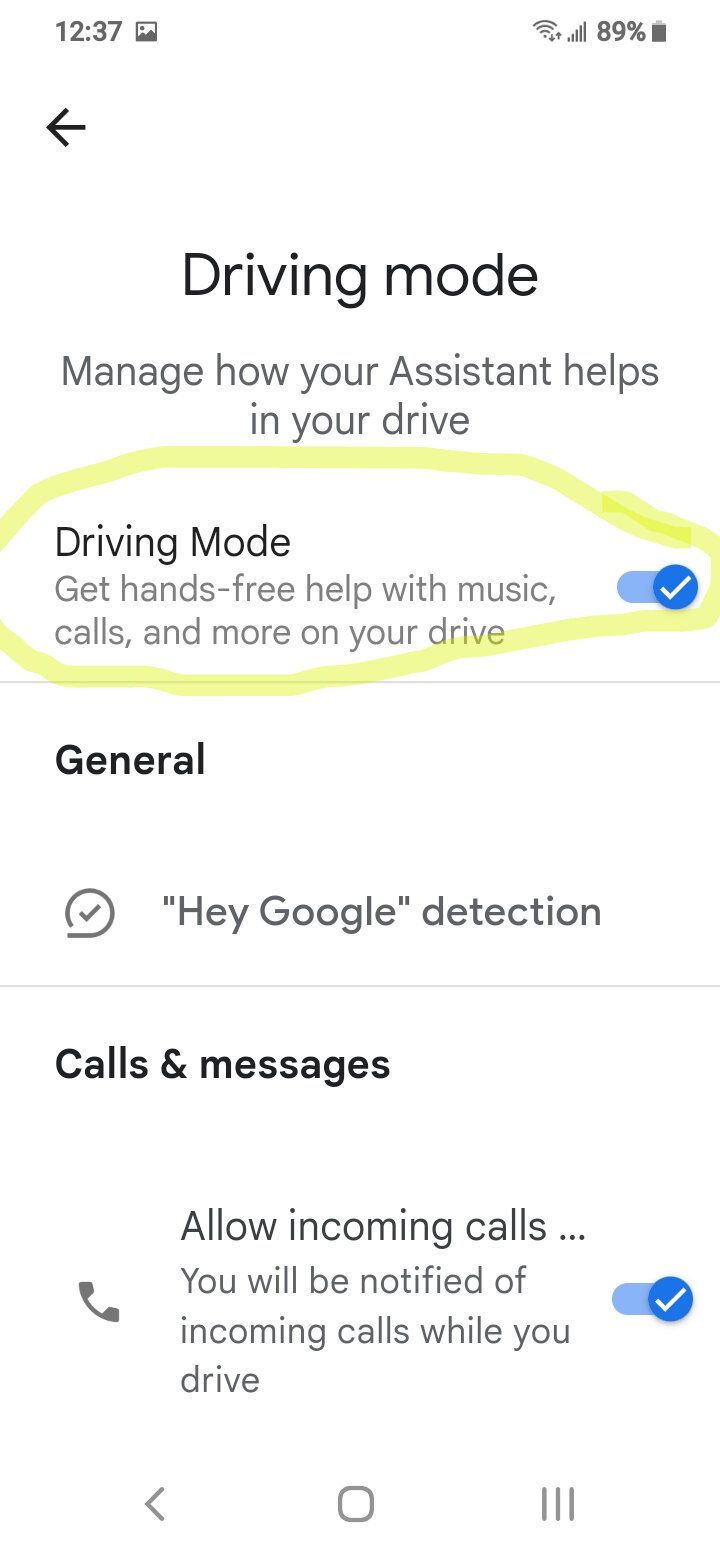
Open Google Maps. Go to settings, navigation settings, then Google Assistant settings.
Google has recently released a new version of Android Auto, and at first glance, it looks like there is both good news and bad news for users this time.
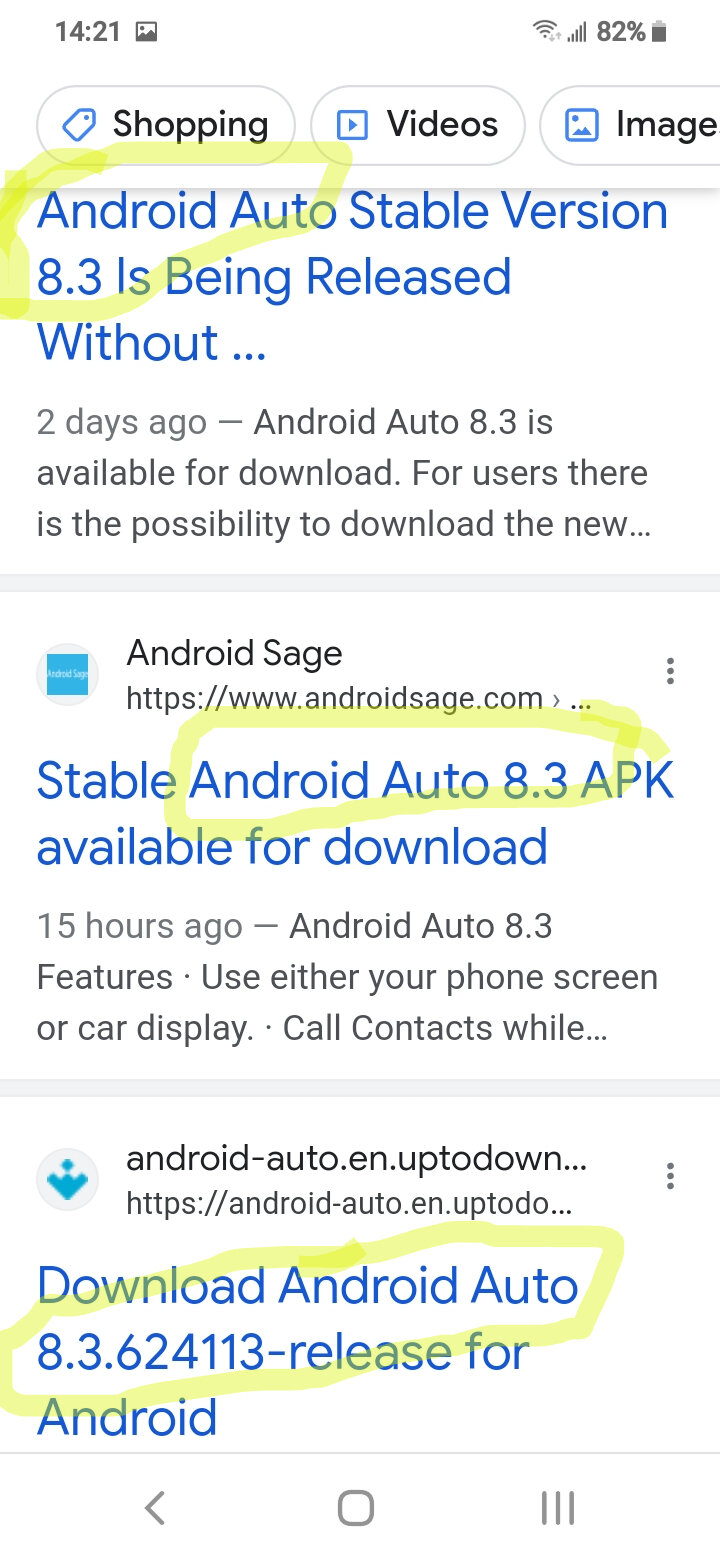
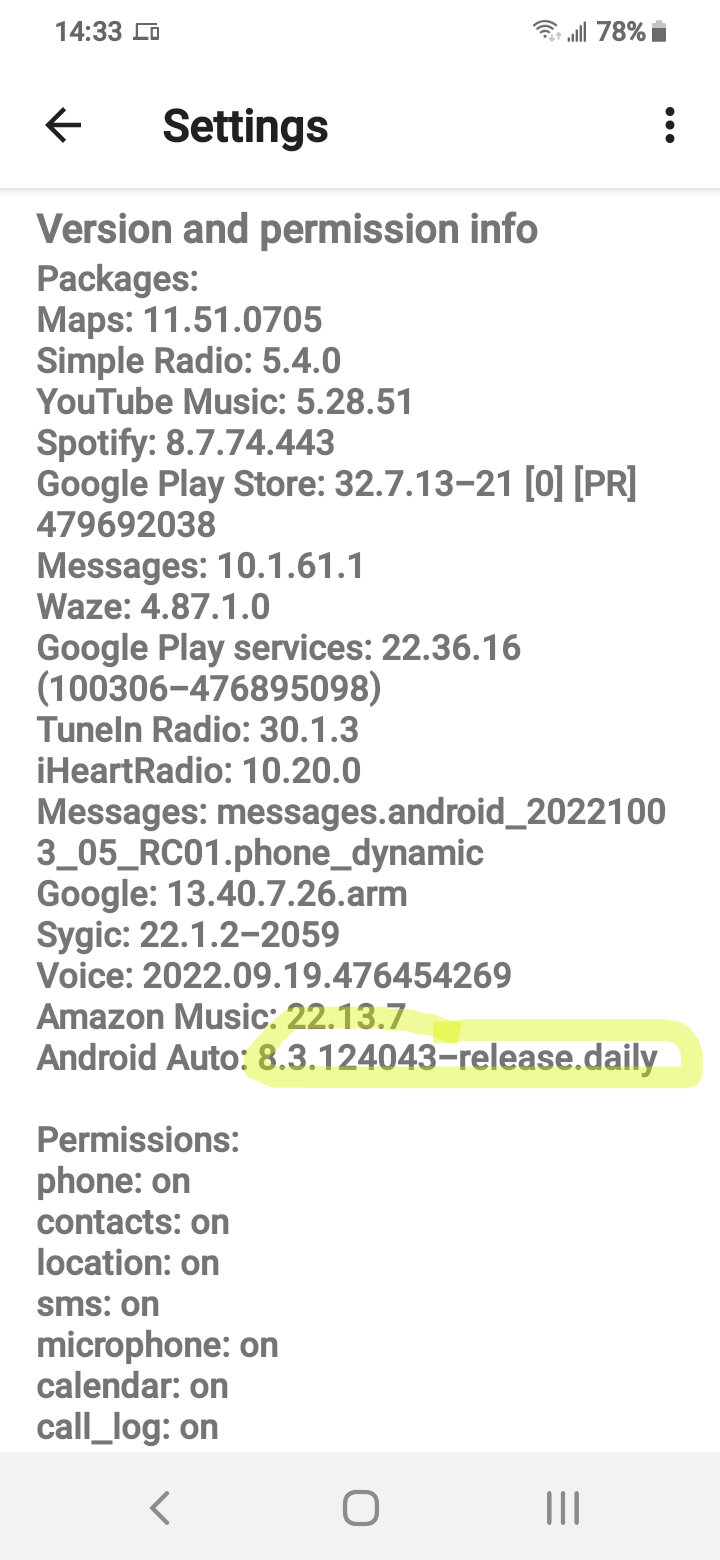
But before anything else, it’s important to know that Android Auto 8.4 is rolling out in stages, so not everybody is going to get it right now. Most likely, the update will show up on the Google Play Store for everyone in the coming weeks, but you can use the instructions in this article to download it today without waiting.
The good news about Android Auto 8.4 is that it seems to resolve the weather temperature icon bug for everybody. The temperature information in the status bar went missing a few weeks ago, and the previous update (Android Auto 8.3) brought it back for some users.
After the update to version 8.4, it looks like the feature is there once again for everyone – though, most likely, the issue has been corrected by Google with a server-side patch.
The bad news is that Coolwalk obviously isn’t there. Coolwalk isn’t tied to a specific Android Auto update, so if you hoped to see it as part of the next big app update, well, this isn’t the case. Not in version 8.4, at least, and nobody knows for sure when this highly anticipated UI overhaul is supposed to land.
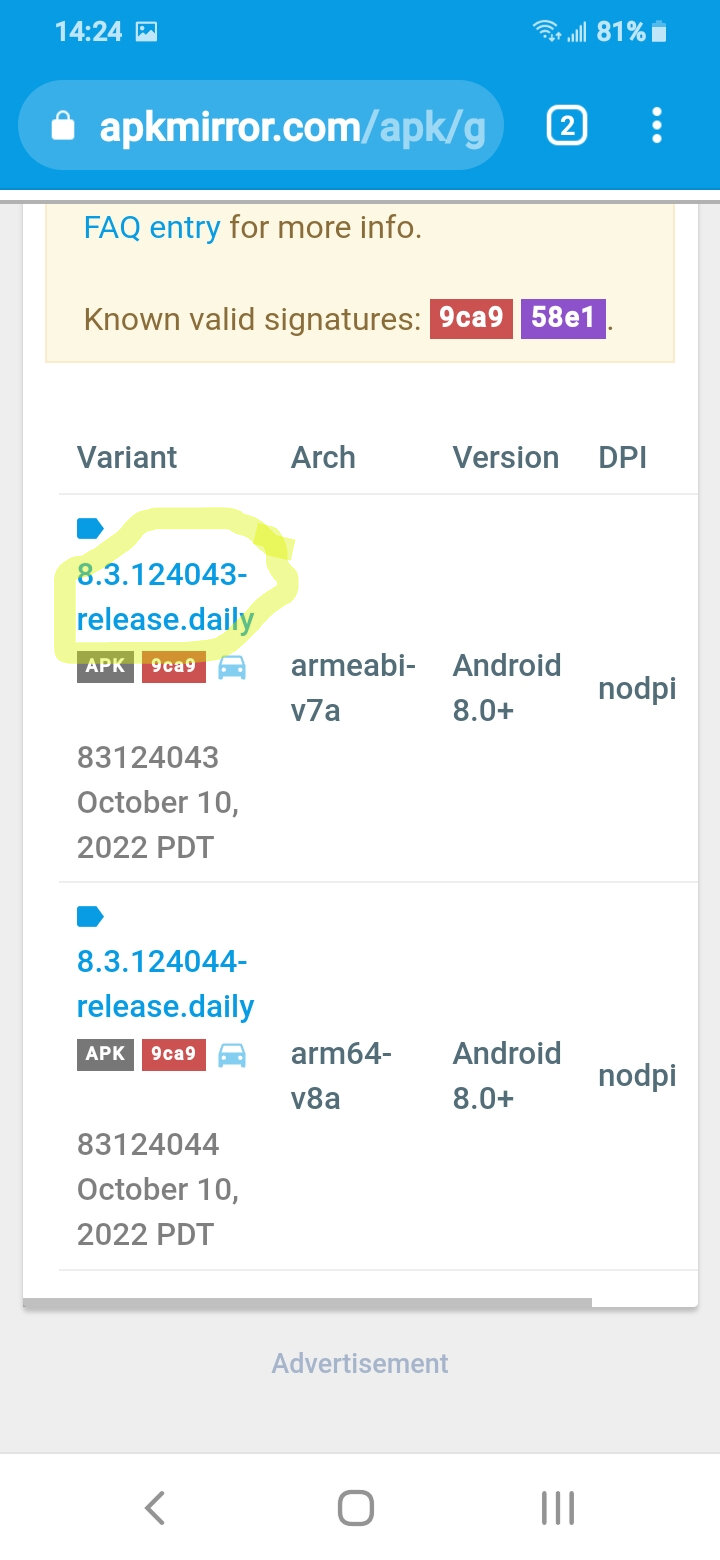
If you want to download Android Auto 8.4 without waiting, all you need to do is to get the stand-alone APK installer and deploy it on your device.
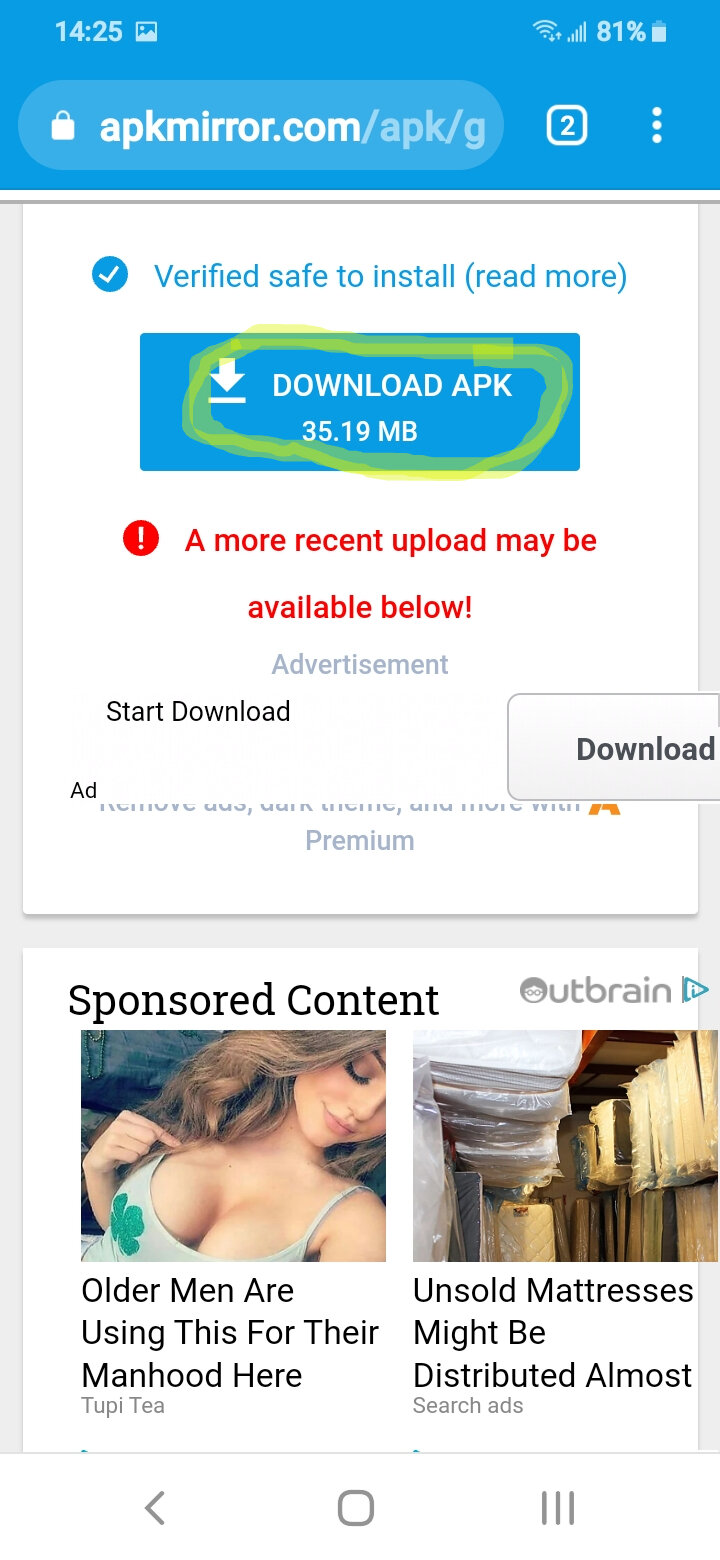
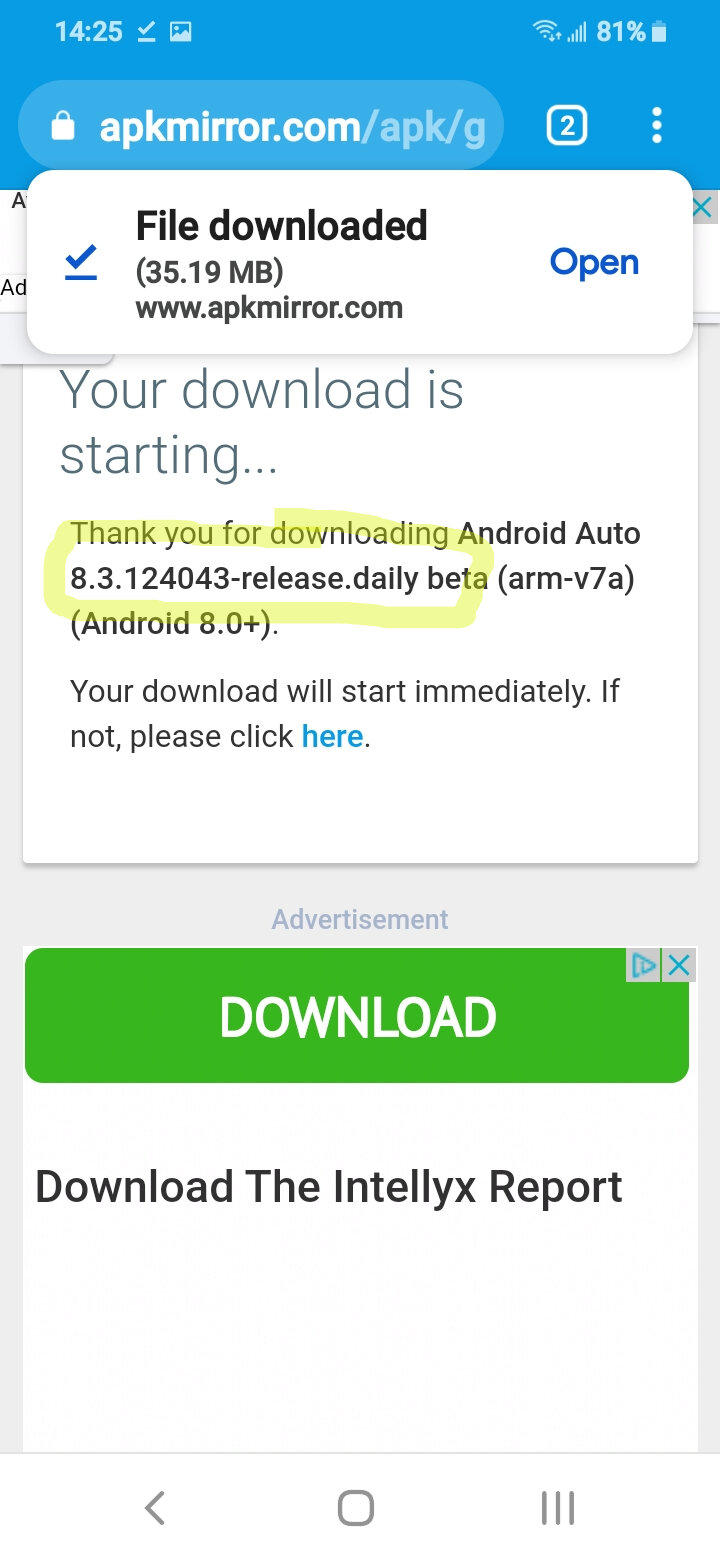
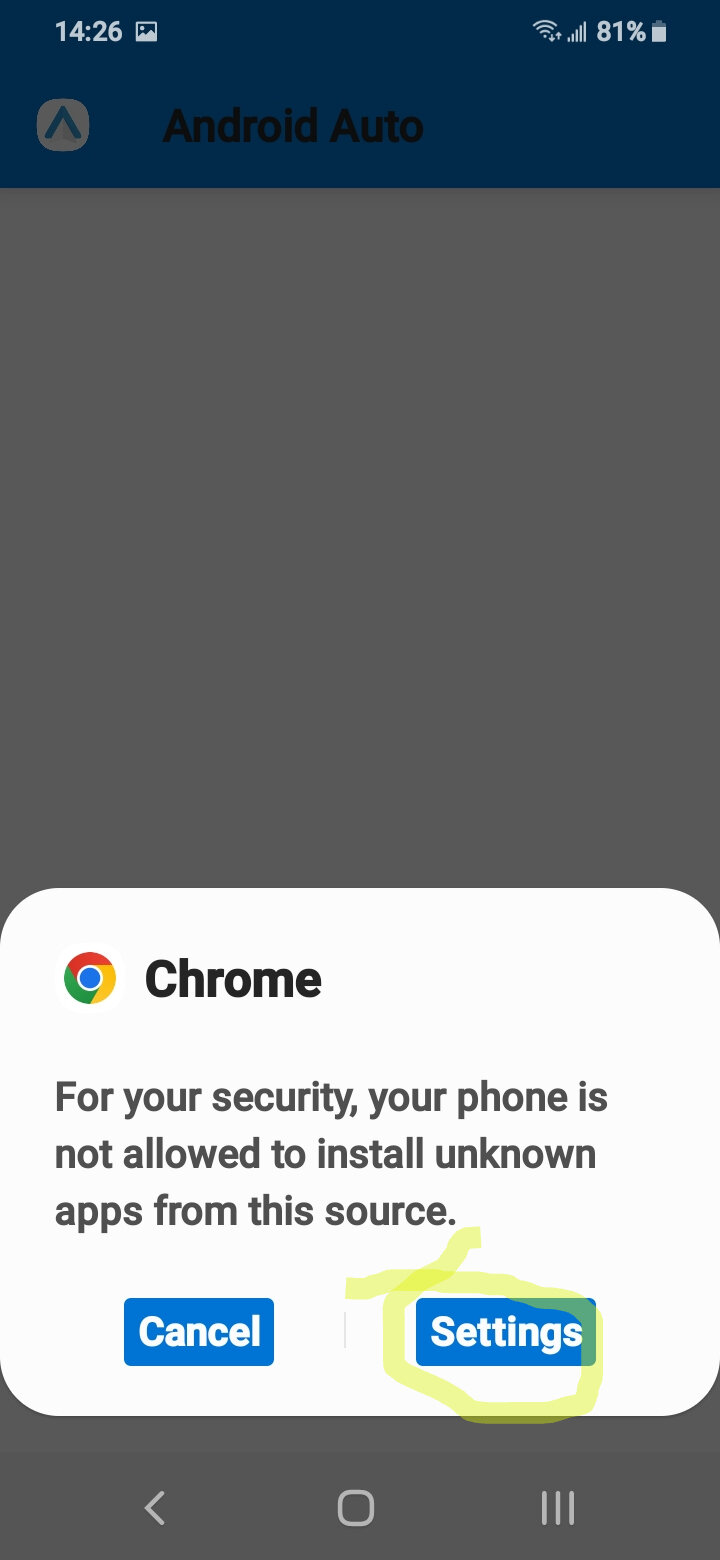
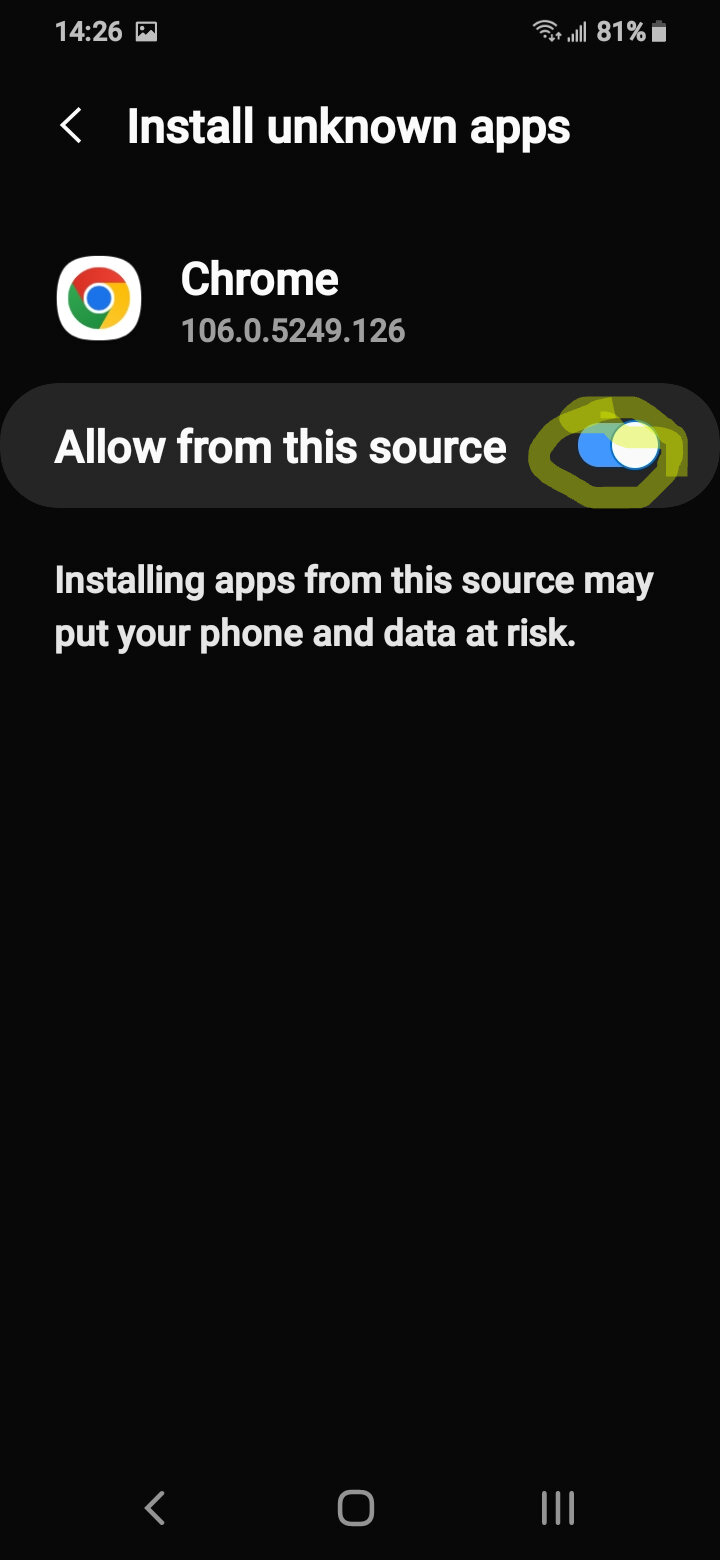
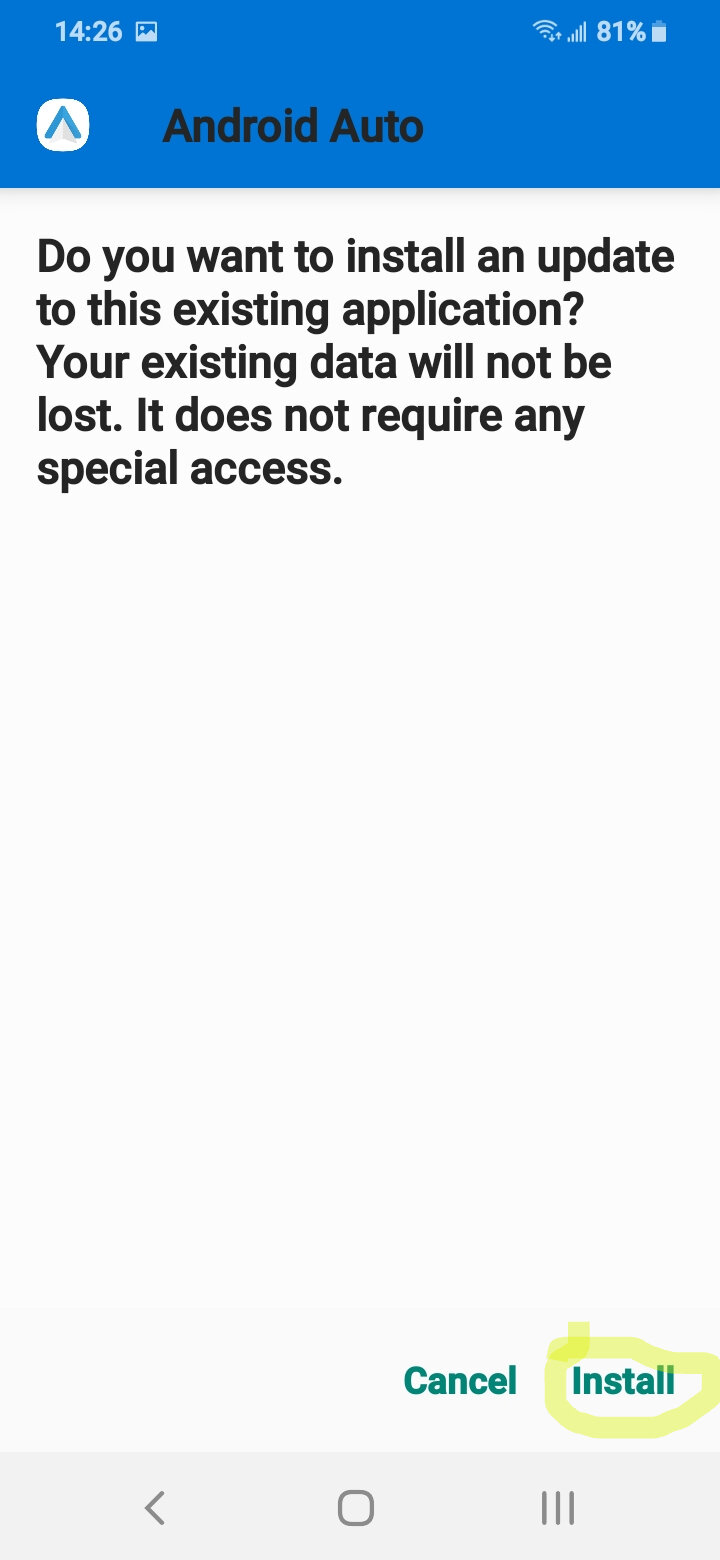
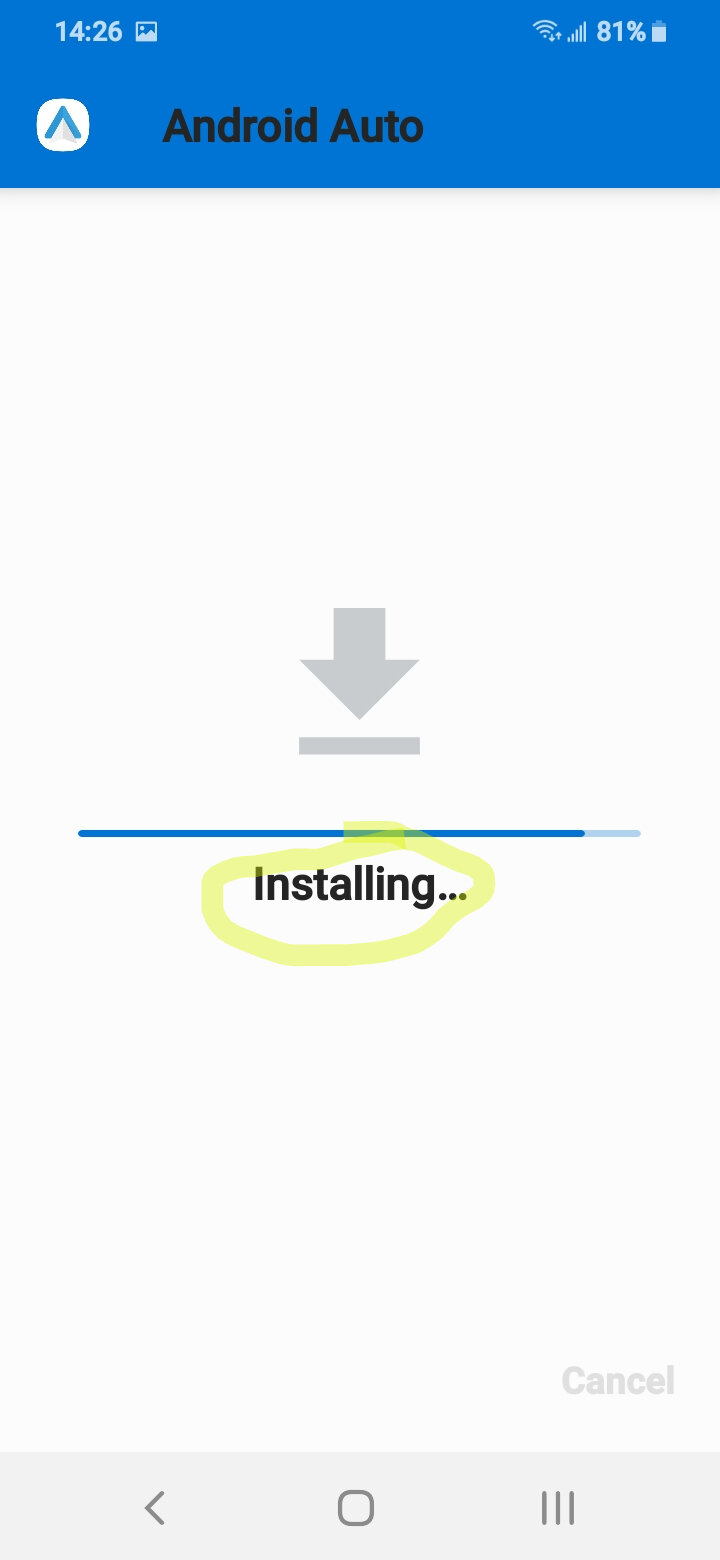
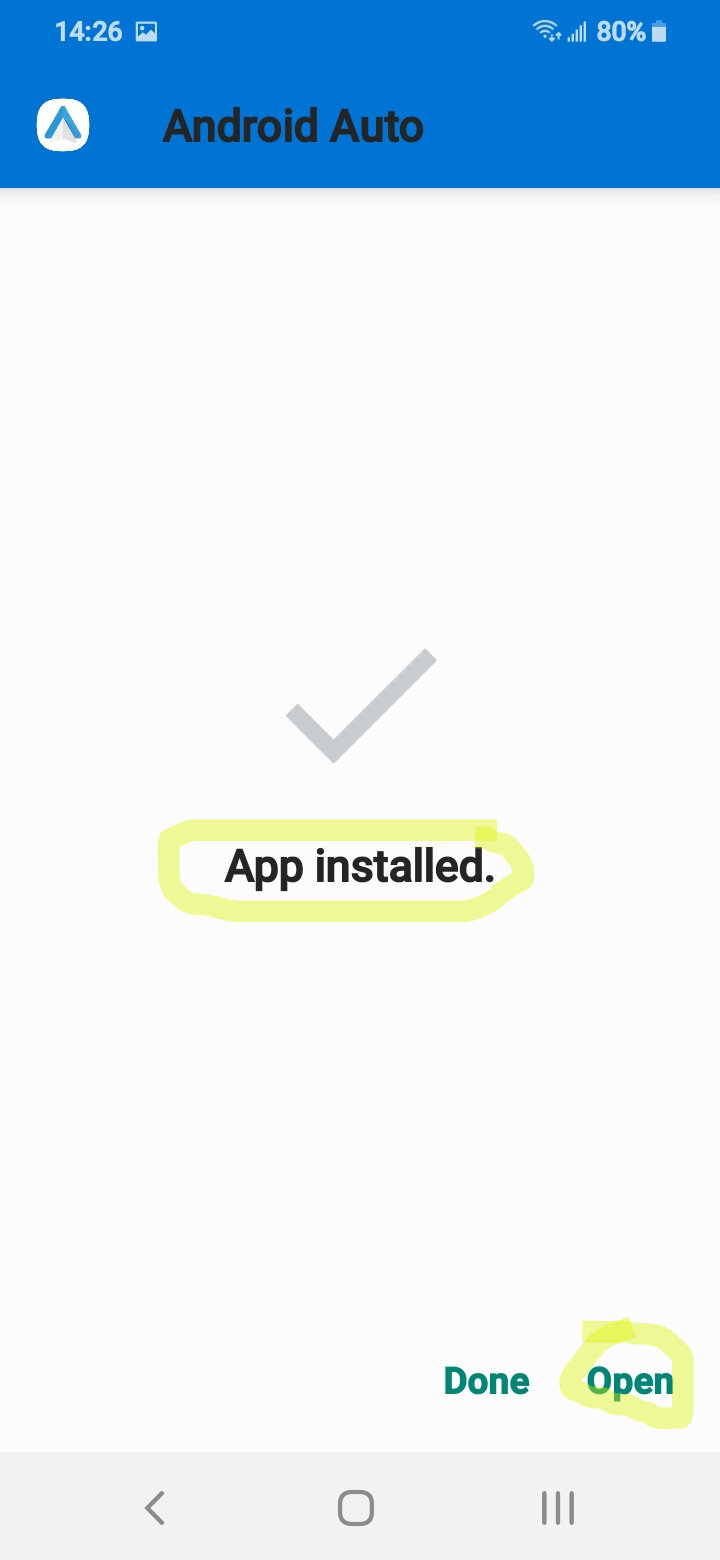
To do this, just head over to this page and get the stable build for version 8.4. When the download comes to an end, tap the APK installer to begin the installation – you don’t need to remove the existing instance of Android Auto from your device. You may have to allow the installation of apps from third-party sources as well.
Since I can't test every phone, or every radio, my findings lack the data to be scientific.
What I have found so far, is that Motorola phones seem to work with different radios I have tried. Other phone brands were hit and miss depending on the radio. Some radios were hit and miss depending on the phone.
Rezvani's Latest Post-Apocalyptic Monster Is a Ford F-150 Raptor Underneath
Slideshow: Called the Fortress, the 850-horsepower pickup combines Raptor underpinnings with military-inspired features, survival equipment, and a starting price of $285,000.