Ford F-150/F-250: How to Replace Your Radiator Fan
If your F-150 or F-250's radiator fan goes bad, your engine's cool might be in jeopardy. Here is how to replace the radiator fan yourself.
This article applies to the Ford F-150 truck (2004-2014) and F-250 Super Duty (2005-2014).
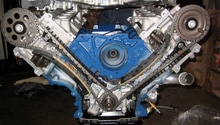
For a car engine to operate at the right temperature, it needs the radiator to get rid of excess heat. The radiator has a fan which aerates the engine to prevent it from overheating. The fan in the Ford F-150 or Super Duty is between the engine and the radiator.

Material and Tools Needed
- Screwdriver
- Wrench
- Ratchet set
- New fan
Step 1 - Remove radiator cover
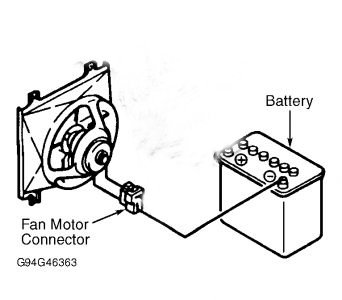
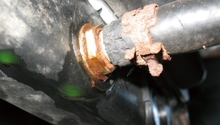
Figure 1. Remove the fan motor's wire. 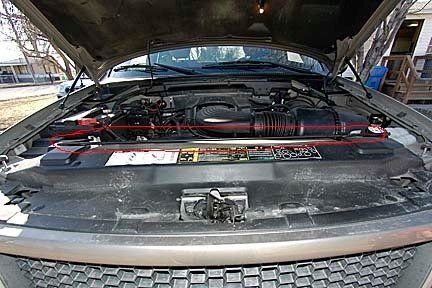
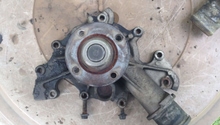
Figure 2. Remove the radiator cover.
To prevent possible after shocks, disconnect the battery and remove the lead wire connected to the fan's motor. Using a screwdriver, remove the fasteners holding the plastic radiator cover in place. Also, remove air intake boxes to have unfettered access to the radiator fan.
Step 2 - Remove the fan
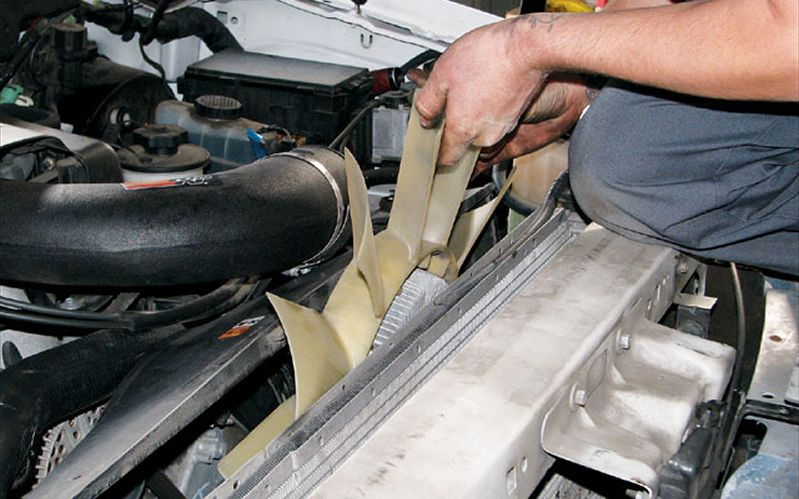
The radiator fan is mounted on a pulley rotated by the engine belt. Using a wrench, unscrew the bolts that hold the fan into place. Fans are mostly held in place by 4 bolts, two on the top and two on the bottom. Re-connect the lead wire connecting to your fan's motor.
Step 3 - Install the new fan
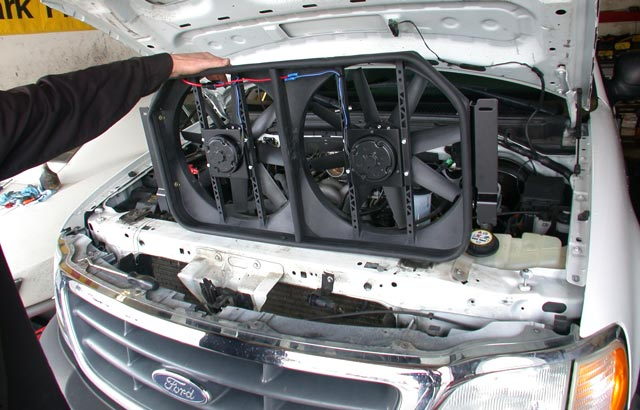
With the old fan removed, mount the new one and tighten the screws and bolts where the old was positioned. Re-connect your battery and start your truck. Wait for the fan to go on to make sure the process was a success.
Pro Tip
Regular oil checks are critical for ensuring that friction-sensitive components like the cooling system are always well lubricated. A constantly warm engine can signal a leak within the cooling system. A leak is often accompanied by a whistling sound
Because it has less drag than a stock fan, electric fans improve gas mileage and horse power.
Related Discussion
- Removing Fan Clutch Assembly - F150online.com