


Cord Management


Thread Starter
|
Hotshot


Joined: Jan 2011
Posts: 18,849
Likes: 179
From: Puget Sound
Cord Management
USB this. USB that. USB the other. Stinky's cigarette lighter socket is reminiscent of Medusa lately (OBDII display, two smartphones, and a Bluetooth headset all-in), and cigarette lighter socket to USB port hubs like this are to blame:
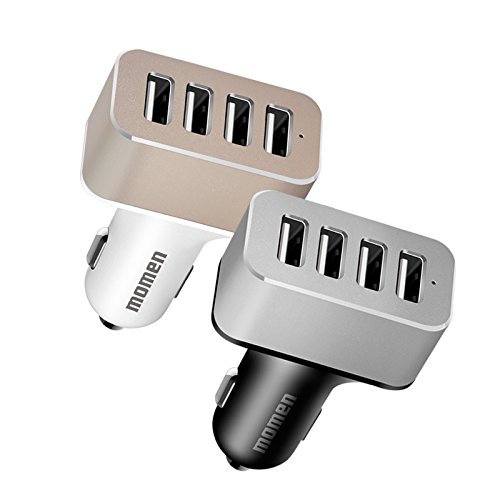
While contemplating installing a power hub under the seat, I ran across stuff like this to take that half-step that can be transferred to one of the other vehicles - or replaced or updated as needed:
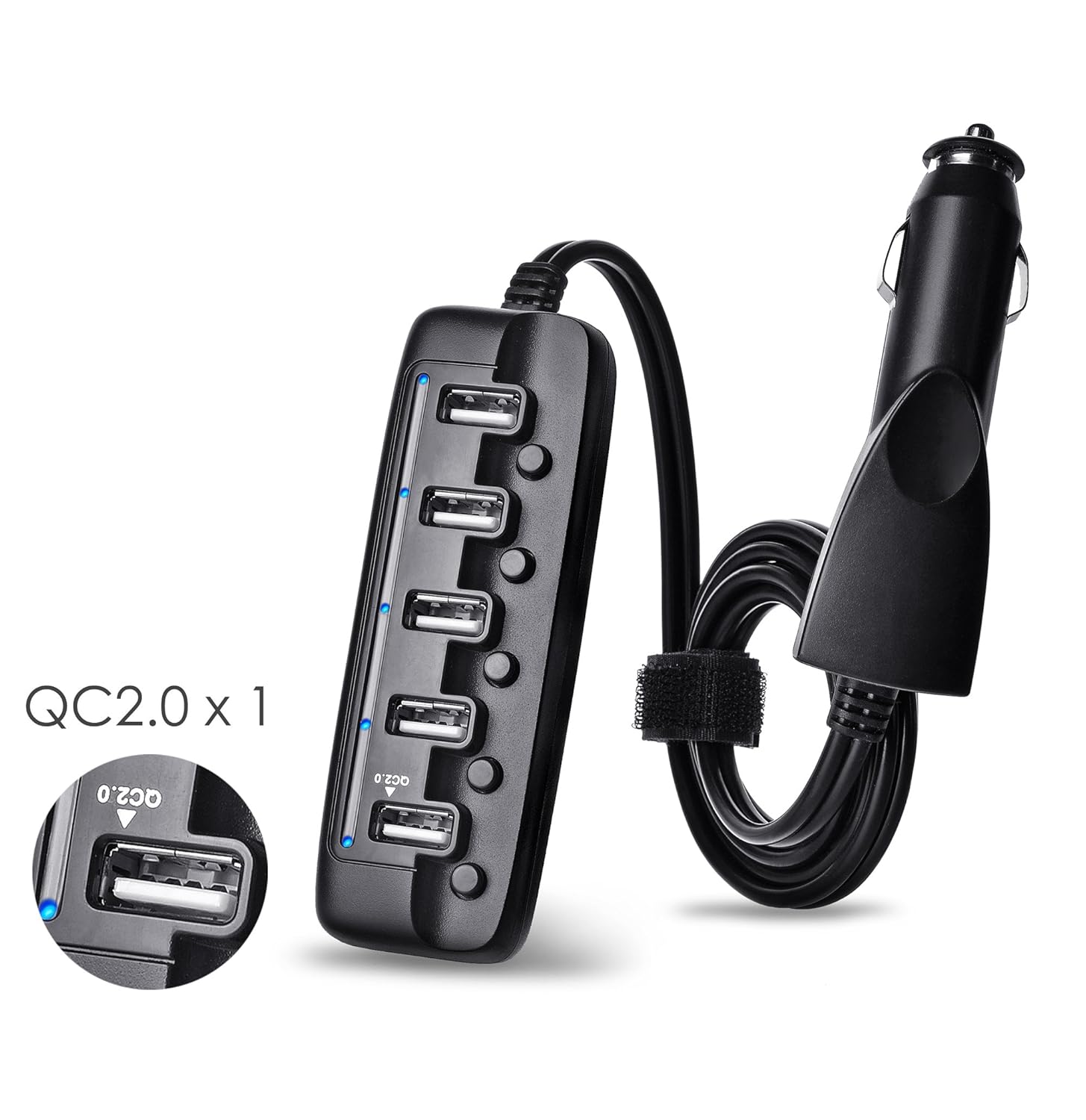

I opted for the one in the second image - the Belkin Road Rockstar. The first one has a 32" cable, but the Rockstar has 6 feet of cord. The Belkin makes cord routing to the rear easy, it offers plenty of juice for those in the back seat, it allows me to route the smartphone chargers in the back and the OBDII display up front, or whatever combination gives me a charge in whatever vehicle.
If you're tired of the rainbow spaghetti on the dash, you can divert much of it behind you - or maybe you want the overhead to warm up with charging smartphones/Bluetooth microphone and a single cable routed around the rearview. All this to say there's no need to let the dash look like the outside house outlets decked with Christmas light cords, find something more to your liking. Just make sure the USB outlets for the phones are 2.1-2.4 amp, but it's OK to have at least one 1.0 amp outlet to keep the OBDII display from discharging. Don't expect that 1.0 amp USB port to charge anything up today.
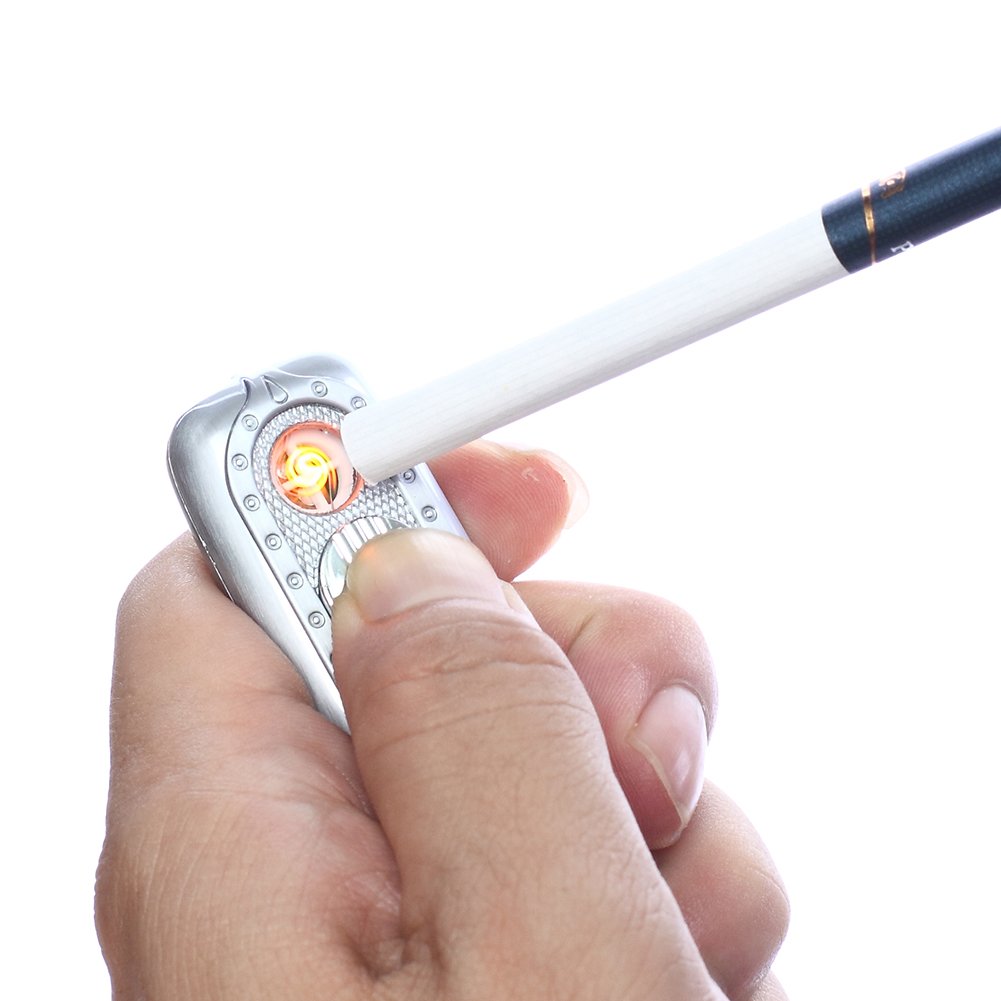
It's going to get worse with everything USB-charged batteries nowadays - even cigarette lighters. Go figure.
While contemplating installing a power hub under the seat, I ran across stuff like this to take that half-step that can be transferred to one of the other vehicles - or replaced or updated as needed:
I opted for the one in the second image - the Belkin Road Rockstar. The first one has a 32" cable, but the Rockstar has 6 feet of cord. The Belkin makes cord routing to the rear easy, it offers plenty of juice for those in the back seat, it allows me to route the smartphone chargers in the back and the OBDII display up front, or whatever combination gives me a charge in whatever vehicle.
If you're tired of the rainbow spaghetti on the dash, you can divert much of it behind you - or maybe you want the overhead to warm up with charging smartphones/Bluetooth microphone and a single cable routed around the rearview. All this to say there's no need to let the dash look like the outside house outlets decked with Christmas light cords, find something more to your liking. Just make sure the USB outlets for the phones are 2.1-2.4 amp, but it's OK to have at least one 1.0 amp outlet to keep the OBDII display from discharging. Don't expect that 1.0 amp USB port to charge anything up today.
It's going to get worse with everything USB-charged batteries nowadays - even cigarette lighters. Go figure.

Thread Starter
|
Hotshot
Joined: Jan 2011
Posts: 18,849
Likes: 179
From: Puget Sound
Yes... I do grab images from the web from time to time. If I had a picture of my nails, they'd be ripped and full of grease.
Thread Starter
|
Hotshot
Joined: Jan 2011
Posts: 18,849
Likes: 179
From: Puget Sound
Great question, and the answer is only slightly complex: Until now, I've only been able to find a max of 2.1 amp outlets. That extra 300 milliamps to make 2.4 amps is not insignificant - my backup camera uses about 300 milliamps to operate.
Sorry - gunna go all math on ya here: Say you have an iPhone 6. Included in the box is a 1.0 amp charging adapter. The phone has a 1.8 amp-hour battery in it, and a web search revealed that battery will last 2.5 hours with intense 3D gameplay - then the smartphone will shut off. 1.8 divided by 2.5 = 0.72.
That's out number to to play with for an extreme case - 0.72 amp draw while 3D gaming. If you are plugged into a 1 amp charge USB port while gaming, you can play - but you only have .28 amps left over to charge your 1.8 amp-hour battery. Due to inefficiencies with battery charging, it will take at least 10 hours to charge up that battery, unless you reduce the workload on the phone. Even with the power off, the charge amperage slowly dips at the end - just like it does on on your automotive battery charger. You're still looking at several hours to get a 100% charge with the phone idle, but not off.
Want to get serious with the charging? The 2.4-amp USB charge port is "currently" {hyuk} the heavy hitter. The cable is another problem... many cables do not say they are fast-charge cables - assume those are 1-amp cables by default. Most fast-charge cables on the shelf are 2.1 amp max, so you have to actively seek the cables that actually say 2.4 amps on the box. Without the fast-charge cable, the charger will likely deliver no more than 1 amp, and you will get frustrated with the notion this so-called fast-charger does no better than the other units.
OK... you have your fancy-schmancy 2.4 amp USB port and the proper 2.4 amp USB cord for the iPhone 6, and you repeat the above exercise with the new stuff. The charge power available over the power used while gaming is now 1.68 amps - almost 70% more juice than the whole stock USB charger delivers with the phone completely off. You'll have that phone charged up in no time - while 3d gaming.
If a fast charge is paramount, really focus on what the amp rating is on every piece of hardware connected to your portable device. OR... ignore it all and feel free to flip your favorite finger frequently at the failed phone.
Sorry - gunna go all math on ya here: Say you have an iPhone 6. Included in the box is a 1.0 amp charging adapter. The phone has a 1.8 amp-hour battery in it, and a web search revealed that battery will last 2.5 hours with intense 3D gameplay - then the smartphone will shut off. 1.8 divided by 2.5 = 0.72.
That's out number to to play with for an extreme case - 0.72 amp draw while 3D gaming. If you are plugged into a 1 amp charge USB port while gaming, you can play - but you only have .28 amps left over to charge your 1.8 amp-hour battery. Due to inefficiencies with battery charging, it will take at least 10 hours to charge up that battery, unless you reduce the workload on the phone. Even with the power off, the charge amperage slowly dips at the end - just like it does on on your automotive battery charger. You're still looking at several hours to get a 100% charge with the phone idle, but not off.
Want to get serious with the charging? The 2.4-amp USB charge port is "currently" {hyuk} the heavy hitter. The cable is another problem... many cables do not say they are fast-charge cables - assume those are 1-amp cables by default. Most fast-charge cables on the shelf are 2.1 amp max, so you have to actively seek the cables that actually say 2.4 amps on the box. Without the fast-charge cable, the charger will likely deliver no more than 1 amp, and you will get frustrated with the notion this so-called fast-charger does no better than the other units.
OK... you have your fancy-schmancy 2.4 amp USB port and the proper 2.4 amp USB cord for the iPhone 6, and you repeat the above exercise with the new stuff. The charge power available over the power used while gaming is now 1.68 amps - almost 70% more juice than the whole stock USB charger delivers with the phone completely off. You'll have that phone charged up in no time - while 3d gaming.
If a fast charge is paramount, really focus on what the amp rating is on every piece of hardware connected to your portable device. OR... ignore it all and feel free to flip your favorite finger frequently at the failed phone.

Thread
Thread Starter
Forum
Replies
Last Post
Tony_TAT2
New Jersey Chapter
248
Oct 1, 2016 12:07 PM
david.brady
Audio & Video Systems, Navigation, Satellite Radio & Mobile Electronics
29
Jul 18, 2013 11:16 AM
freeman666
Audio & Video Systems, Navigation, Satellite Radio & Mobile Electronics
4
Jan 6, 2009 01:45 PM
atticmole
1948 - 1956 F1, F100 & Larger F-Series Trucks
7
Jan 22, 2004 08:04 PM





