When you click on links to various merchants on this site and make a purchase, this can result in this site earning a commission. Affiliate programs and affiliations include, but are not limited to, the eBay Partner Network.
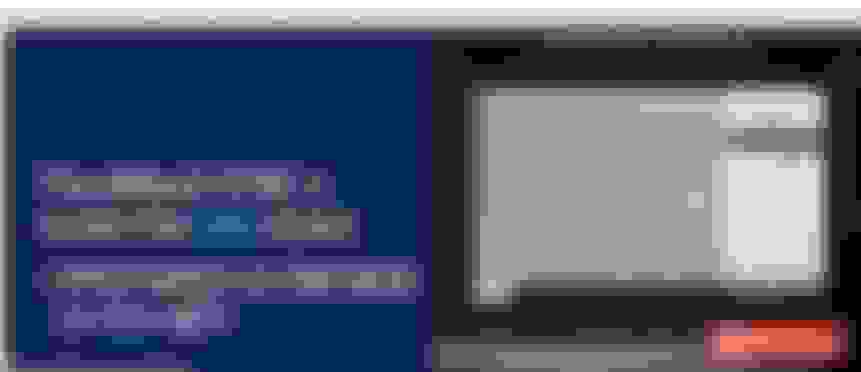
Can the Information On Demand card be removed from the screen on the 12 SYNC 4 units? The owner's manual shows nothing on this and an online search hasn't turned anything up.
Never heard it called a information on demand card before, no way to remove it that I know of.
Use android auto and google maps navigation and go full screen, then that will be hidden.
The photo pretty clearly shows what it's called and multiple online places show the information also being called a "card".
I don't have any Android devices but when CarPlay comes on it does indeed take up the full screen.
Originally Posted by Garbageman 134
I would love to remove that from the right side of my screen
Me too. Mostly when listening to FM or satellite radio.
As others have said, android auto or CarPlay can take over full screen. One other is the factory nav. There’s a button to maximize it too.
I've been able to determine that much already. But was just hoping for a way to disappear that portion of the screen when listening to FM or the truck's Sirius radio. There are some channels on the Sirius app that aren't available on the truck radio. If I listen to those CarPlay takes over and it's not a problem.
Kind of looks like I'm stuck with the IOD panel. Oh well. There are worse things.
I would love to remove that from the right side of my screen
I'm the opposite, I like the screen but would like to remove a few of the options that I currently have.
Like move trip 1and trip 2, as I already have those on my dash.
This Hennessey Takes the Expedition Tremor's Off-Roading Capability to the Next Level
Slideshow: The VelociRaptor Expedition gains a lift, upgraded suspension, Brembo brakes, and trail-ready equipment while retaining the stock 440-horsepower EcoBoost V6.
Rezvani's Latest Post-Apocalyptic Monster Is a Ford F-150 Raptor Underneath
Slideshow: Called the Fortress, the 850-horsepower pickup combines Raptor underpinnings with military-inspired features, survival equipment, and a starting price of $285,000.