When you click on links to various merchants on this site and make a purchase, this can result in this site earning a commission. Affiliate programs and affiliations include, but are not limited to, the eBay Partner Network.
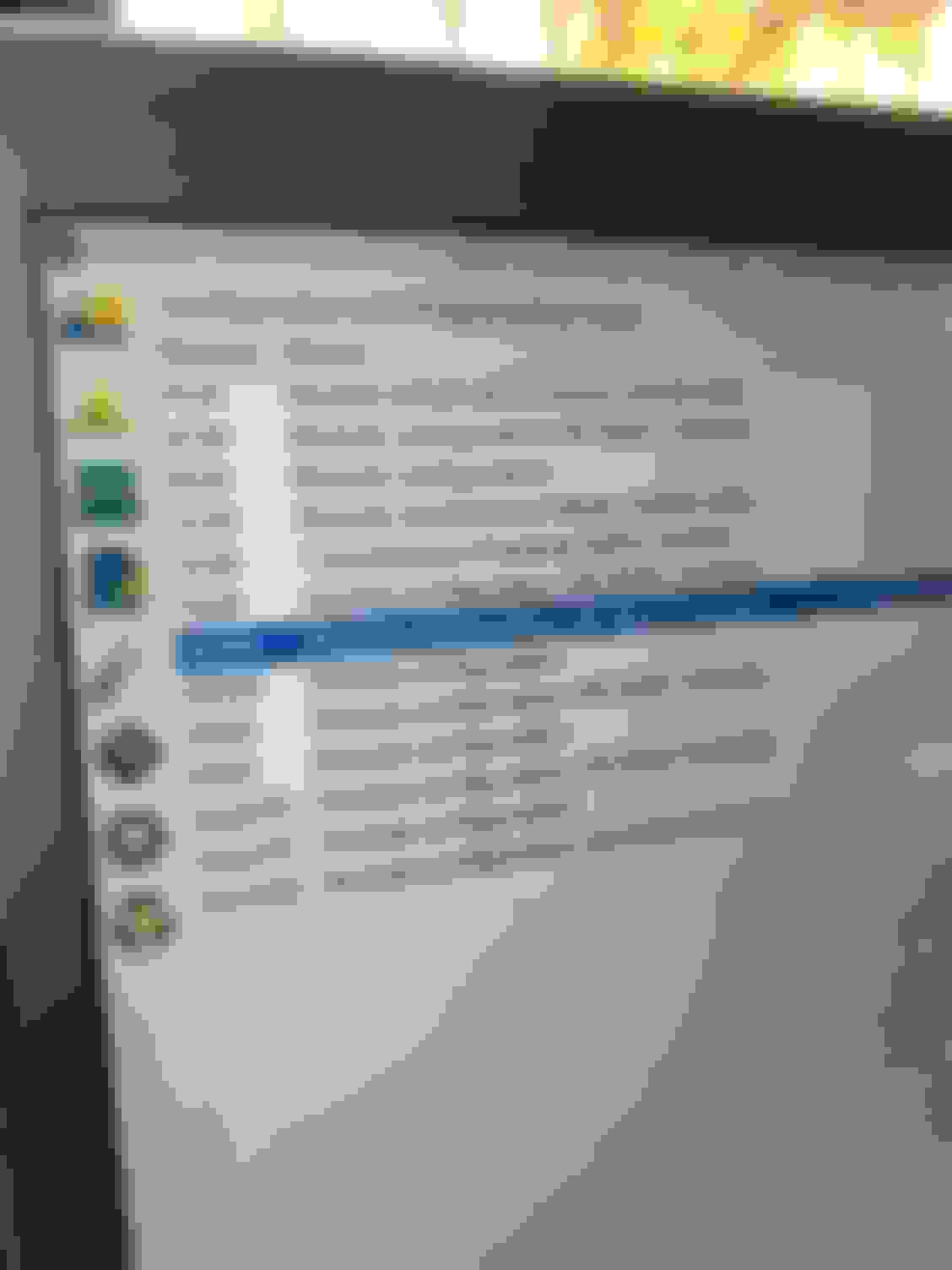
Hey guys, I have changed out the fuel tank on my 2019 and uploaded the FORScan program (latest version 2.3.39) onto my laptop. My interface Module is the USB hard wired with the high speed/medium speed switch. After uploading my trucks program modules, the IPC (instrument panel cluster) module can’t be found... I’ve tried using the HS/MS switch in may ways and still no IPC module. Has anyone had this problem or know what I’m doing wrong? I’m so frustrated and your help would be appreciated.
The first question is was it visible before? If not I suggest a different interface cable. If it was visible previously, I would try to restart the computer and reconnect the cable, following the steps you used to find it previously. It may be a limitation of your cable, and need to pick one that is recommended.
There’s a note in forescan about removing vehicle profiles after installing the latest version. I don’t know if this might cause your issue, but did you do that step?
The first question is was it visible before? If not I suggest a different interface cable. If it was visible previously, I would try to restart the computer and reconnect the cable, following the steps you used to find it previously. It may be a limitation of your cable, and need to pick one that is recommended.
The IPC module never uploaded. I’ve got another cable showing up today from Amazon..hopefully this will do it. I’ve got several more things that I want to modify in that module. Thanks for your reply
There’s a note in forescan about removing vehicle profiles after installing the latest version. I don’t know if this might cause your issue, but did you do that step?
I did not remove the profile.... however I did reset my PCM and lost my radio presets, Doh!
Clear the profile, don't allow it to use a saved profile. Then attempt to connect with the USB adapter again. Make sure your extended license is current.
I received a response from FORScan and it appears I didn’t use my switch properly during the first connection (upload profile). If this happens, your vehicles profile won’t upload completely leaving several modules out. FORScan only scans your PCM the first time to save time each time you re-enter the system. I opened my profile tab and deleted it. I will try again tonight with my new OBDLink EX connector.
I received a response from FORScan and it appears I didn’t use my switch properly during the first connection (upload profile). If this happens, your vehicles profile won’t upload completely leaving several modules out. FORScan only scans your PCM the first time to save time each time you re-enter the system. I opened my profile tab and deleted it. I will try again tonight with my new OBDLink EX connector.
Also make sure your firmware is up to date on the EX
I had same thing happen on my 24. Had only a few modules show up and had saved the profile. My dongle needed an update, so ran that, and tried again, same results. I deleted the profile and reconnected, then everything was good. First step before connecting, update the dongle, then update Forscan and license, then connect to truck and scan. Remember to save everything you connect to in a folder and call the folder something that details that its the original AS Builts. Never store altered AsBuilts in the same folder to prevent mistakes.
This Hennessey Takes the Expedition Tremor's Off-Roading Capability to the Next Level
Slideshow: The VelociRaptor Expedition gains a lift, upgraded suspension, Brembo brakes, and trail-ready equipment while retaining the stock 440-horsepower EcoBoost V6.
Rezvani's Latest Post-Apocalyptic Monster Is a Ford F-150 Raptor Underneath
Slideshow: Called the Fortress, the 850-horsepower pickup combines Raptor underpinnings with military-inspired features, survival equipment, and a starting price of $285,000.