When you click on links to various merchants on this site and make a purchase, this can result in this site earning a commission. Affiliate programs and affiliations include, but are not limited to, the eBay Partner Network.
Are there any other confirmations on the 2023+ trucks? Just unplug the TCU behind the rear seat and good to go?
So far I pulled the fuses and physically disconnected every wire from the TCU device behind the rear seat.
It killed the compass on center screen so hopefully that means GPS and all that RF is off. In the settings it does not show modem ID and I think I shut off the over air Ford stuff too.
I still need to find the WIFI antenna and disconnect it. I still plan to physically remove the antennas from the roof at some point when I get brave to drop headliner. I will remove the microphone stuff while up there.
So far I pulled the fuses and physically disconnected every wire from the TCU device behind the rear seat.
It killed the compass on center screen so hopefully that means GPS and all that RF is off. In the settings it does not show modem ID and I think I shut off the over air Ford stuff too.
I still need to find the WIFI antenna and disconnect it. I still plan to physically remove the antennas from the roof at some point when I get brave to drop headliner. I will remove the microphone stuff while up there.
My truck will have navigation and hands-free phone calls and such...which I'm fine with, I just don't want the truck reporting back to mother Ford with all that stuff.
I finally got around to cutting the cord on my 2022 Lariat F250, at least as much as any of us can with these trucks. I swapped the modem fuse for the 2-prong version, and then I got curious about the TCU. So I dug into that and disconnected all of the inputs/outputs to and from that thing (probably not needed, since it doesn’t have power with the fuse pulled, but I was there anyway, so…). That takes care of the cell tower comms.
I also dug into the antenna system for the GPS. At first, I thought I would put a disconnect/cutout switch in-line near the driver’s side antenna on the roof (top of the C pillar). But that would kill the Sat radio also. After looking at the schematics, I wanted to see if I could place the disconnect setup closer to the GPS input to the APIM. It’s pretty easy to access it- pull the speaker cover and the top center dash tray, and it is right there near the top. I used two 12” universal fakra cables, connecting 1 to the input on the APIM, and one to the antenna wire. I then fished the other two ends through the vent area in back of the dash tray (I had to cut a little bit with the dremel).
By doing this, I have a quick and easy way to connect the GPS antenna if I want the truck to get the GPS feed... and then disconnect it when I don’t want the GPS feed coming into the system (vast majority of the time). That should prevent the truck from geotagging any of the data it does collect, at least through the truck’s GPS system. Connecting your phone to the truck would probably negate that though. I'm not sure what data is skimmed from Apple CarPlay or Android Auto...
On the back wall of the cab, behind the carpeted panel behind the back seat, passenger side. 3 connectors, a power cable and two antennas. Just need to unplug power.
Never did find that BCM variable to stop the trouble code about the missing TCU. It's not a CEL-worthy DTC though, so not a big deal I guess.
Since the 2023s don’t have a seperate forum, I’ll post these here.
I was able to remove these fuses and had no adverse affects. However I believe there still may be some back door communications as I can load GPS maps around the world(unless they’re downloaded to the truck?)
My experience after pulling these has been
-no longer have a modem or esn number when looking in the menu
-gps has a red circle with a line through it. Vehicle location remains where I unplugged the fuse weeks ago however I could still load the maps themselves
-unable to load Wifi or find available networks
-911 assist is unavailable
-connected vehicle menu attempts to load up but quits on its own and goes back to the previous screen
FYI - this didn't work for me on MY 2024.
- Pulling underhood fuse #63 disabled my dealer-installed AMP power running board door open detection
- Even so, I went ahead and also pulled interior fuses #38 and #50
- The truck was still able to show connected vehicle features, onboard hotspot showing a few bars of signal strength, and most importantly, the truck could instantly provide the cellular modem hardware ID (Settings => Vehicle Settings => Cellular Modem ID)
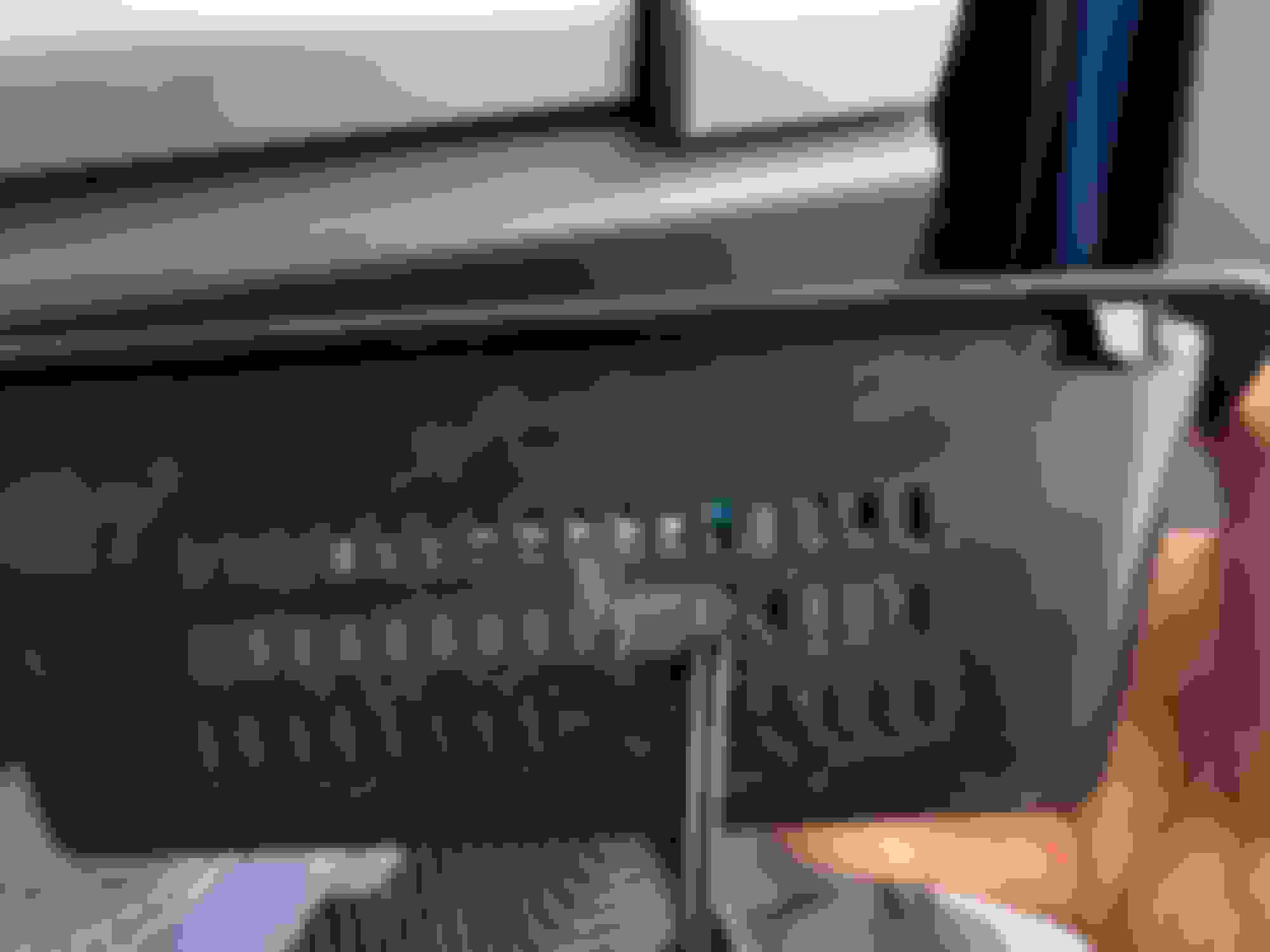
Therefore, I put #63 underhood back; left interior fuses #38 & #50 out and disconnected all the plugs on the Telematics Control Unit (TCU). The TCU is in the same place as MY 2019 (see my photos earlier this thread) but has been revised in terms of connectors/connections.
Anyway, unplugging everything from the TCU did the trick as the connected vehicle features, onboard hotspot, and cellular modem hardware ID are no longer available.
If I get bored, I may try to selectively connect plugs back to the TCU to see if I can re-enable GPS but I'm pretty sure I don't care about it.
Got some time today to try to get to a situation where:
- GPS Enabled
AND
- Onboard Modem Disabled
The bad news is that it doesn't seem like this is possible in MY 2024; connector #2 in the attached photos appears to enable both "Connected Vehicle" AND the onboard GPS abilities in "Settings" page.
The good news is that "Connected Vehicle" functions will not work if you simply disconnect #2.
Note that even though "Connected Vehicle" functions will not work with #2 disconnected, it appears that the rest of the connectors (#1, #3, #4) can read the onboard cellular modem ID. Maybe this means there's some connectivity to the Mothership but also maybe not.
Bottom line:
Disconnecting connector #2 disables all "Connected Vehicle" functions and GPS function
Corollary
If you do this in your driveway, the last known location will be forever displayed and unchanging on the Navigation screen
Suggestion: leave connector #2 connected, drive the truck somewhere very public & highly trafficked (e.g., truck rest stop off interstate freeway), stop, disconnect connector #2
The onboard modem unique identifier can still be read by the main display if connectors #1, #3, & #4 are left connected
Suggestion: might as well disconnect all these at the same time as connector #2