





Last time I try this
Fleet Owner
Joined: Aug 2001
Posts: 29,941
Likes: 46
From: Drummonds, TN USA
The most common problem is mis-copying the image link. Over the years I've made a habit out of drag and highlighting things like that, then hitting Ctrl + C to copy, followed by Ctrl + V to paste images and stuff. RIGHT clicking things is also very useful.
Avoid writing image tags or addresses out in longhand, and then typing them out one character at a time, because it will increase your chances of missing something. Practice "COPYING" and "PASTING" until you get it down, and you'll wonder why you ever did it any other way!
The thing that goes wrong the most is missing the very last ] in the image code, it pays to look for it...
Avoid writing image tags or addresses out in longhand, and then typing them out one character at a time, because it will increase your chances of missing something. Practice "COPYING" and "PASTING" until you get it down, and you'll wonder why you ever did it any other way!
The thing that goes wrong the most is missing the very last ] in the image code, it pays to look for it...
Super Moderator


Joined: Aug 2008
Posts: 37,384
Likes: 1,868
From: Frederick, MD

Trending Topics
Fleet Owner
Joined: Aug 2001
Posts: 29,941
Likes: 46
From: Drummonds, TN USA
You should still be able to put up images anyway.
In the lower left there is a small square that in my case says this inside it:
Posting Rules
You may post new threads
You may post replies
You may post attachments
You may edit your posts
--------------------------
BB code is On
Smilies are On
[IMG] code is On
HTML code is On
Trackbacks are On
Pingbacks are On
Refbacks are On
What does it say at the bottom left of your screen?
*I underlined the two most important ones
In the lower left there is a small square that in my case says this inside it:
Posting Rules
You may post new threads
You may post replies
You may post attachments
You may edit your posts
--------------------------
BB code is On
Smilies are On
[IMG] code is On
HTML code is On
Trackbacks are On
Pingbacks are On
Refbacks are On
What does it say at the bottom left of your screen?
*I underlined the two most important ones
FTE Stories
Ford Trucks for Ford Truck Enthusiasts

Top 6 Best Deals Available on New Fords & Lincolns Right Now
Brett Foote
This Hennessey Takes the Expedition Tremor's Off-Roading Capability to the Next Level
Verdad Gallardo
Top 10 Fords at 2026 Carlisle Ford Nationals
Joe Kucinski
3 Best / 3 Worst Parts of Modern Ford Ownership
Brett Foote
10 Amazing Upgrades That Solve Common Ford Truck Owner Headaches
Pouria Savadkouei
Every 2026 Ford Engine Explained
Brett Foote
10 Ugly Ford Trucks That We Still Kinda Love
Joe Kucinski
10 Things Every Truck Owner NEEDS (2026 Edition)
Michael S. Palmer
Rezvani's Latest Post-Apocalyptic Monster Is a Ford F-150 Raptor Underneath
Verdad Gallardo
Super Moderator
Joined: Aug 2008
Posts: 37,384
Likes: 1,868
From: Frederick, MD
not for me:
Rules
You may post new threads
You may post replies
You may not post attachments
You may edit your posts
--------------------------------------------------------------------------------
Rules
You may post new threads
You may post replies
You may not post attachments
You may edit your posts
--------------------------------------------------------------------------------
Fleet Owner
Joined: Aug 2001
Posts: 29,941
Likes: 46
From: Drummonds, TN USA
What happens if you go to your user CP and click on "ALBUMS" on the left?
Also check on your "GARAGE"...
Both of those are easy-upload picture storage places that you can link pics from to post in forums
Also check on your "GARAGE"...
Both of those are easy-upload picture storage places that you can link pics from to post in forums
Super Moderator
Joined: Aug 2008
Posts: 37,384
Likes: 1,868
From: Frederick, MD
https://www.ford-trucks.com/forums/a...ictureid=13598Ford Truck Enthusiasts Forums - senix's Album: NH pics - Picture
Fleet Owner
Joined: Aug 2001
Posts: 29,941
Likes: 46
From: Drummonds, TN USA
What's happening is that you're not getting the link with the image tags included - else it would look like this:
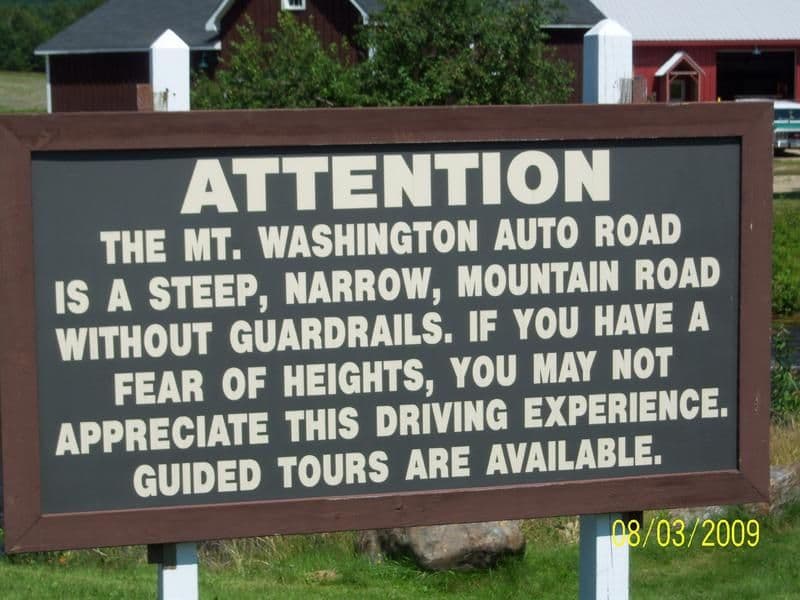
When you go to your albums, click on a picture, and look underneath it there are two text boxes. One is a link TO THE PICTURE - and the other (I think it's the second one, at the bottom) is "FOR POSTING IN FORUMS" and it has the [img] and [/img] tags at the front and back of it. In order to work there can't be any spaces between the tags and the image URL or LINK.
For example: I can enter: [img] https://www.ford-trucks.com/forums/p...ictureid=13598 [/img] and it doesn't work, see?
In your case it should look like (img)https://www.ford-trucks.com/forums/p...eid=13598(/img) except that the "(" and ")" marks would be "[" and "]" marks - I used ordinary parenthesis so that the post would not go ahead and show the picture anyway...
You're almost there, just need to fine tune it a bit.
When you go to your albums, click on a picture, and look underneath it there are two text boxes. One is a link TO THE PICTURE - and the other (I think it's the second one, at the bottom) is "FOR POSTING IN FORUMS" and it has the [img] and [/img] tags at the front and back of it. In order to work there can't be any spaces between the tags and the image URL or LINK.
For example: I can enter: [img] https://www.ford-trucks.com/forums/p...ictureid=13598 [/img] and it doesn't work, see?
In your case it should look like (img)https://www.ford-trucks.com/forums/p...eid=13598(/img) except that the "(" and ")" marks would be "[" and "]" marks - I used ordinary parenthesis so that the post would not go ahead and show the picture anyway...
You're almost there, just need to fine tune it a bit.